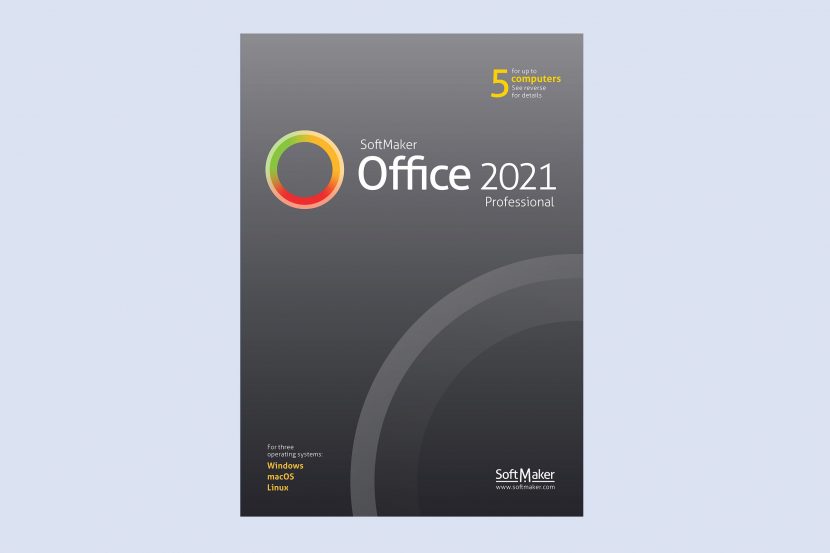
SoftMaker Office Professional 2021 – Bộ ứng dụng văn phòng thay thế Microsoft Office
10
**SoftMaker Office Professional 2021 – Bộ ứng dụng văn phòng thay thế Microsoft Office hướng đến khách hàng cá nhân**
🚀 Khám phá SoftMaker Office Professional 2021, giải pháp văn phòng mạnh mẽ dành cho MacBook, mang đến trải nghiệm thay thế tuyệt vời cho Microsoft Office, đặc biệt phù hợp với người dùng cá nhân. 💼
✨ Với giao diện thân thiện và bộ tính năng phong phú, SoftMaker Office Professional 2021 giúp bạn soạn thảo văn bản 📝, xử lý bảng tính 📊 và tạo bài thuyết trình 🎤 một cách chuyên nghiệp và hiệu quả. Khả năng tương thích cao với các định dạng tệp của Microsoft Office (DOCX, XLSX, PPTX) đảm bảo quá trình trao đổi dữ liệu diễn ra liền mạch. 🔄
💻 **Yêu cầu hệ thống cho MacBook:**
* Phiên bản macOS: Yêu cầu macOS 10.14 trở lên. 🍏
* Cấu hình tối thiểu: Dung lượng ổ cứng trống 4 GB, độ phân giải màn hình 1280 x 768 trở lên. 🖱️
💡 Tận hưởng sự linh hoạt với khả năng cài đặt trên tối đa 5 thiết bị (Windows, macOS, Linux) chỉ với một giấy phép duy nhất. 🌟 Khám phá các tính năng mới như chức năng nghiên cứu nâng cao 🔍, hỗ trợ Zotero cho tài liệu học thuật 📚, và giao diện người dùng tùy biến với chế độ tối 🌙.
💯 SoftMaker Office Professional 2021 – lựa chọn tối ưu cho công việc văn phòng của bạn! ✅
SoftMaker Office Professional 2021 là bộ ứng dụng văn phòng có thiết kế và tính năng giống tới 95% so với Microsoft Office, tương thích ngược với Microsoft Office, tức là bạn hoàn toàn có thể mở các file đã làm trên bộ MS trước đó và ngược lại.
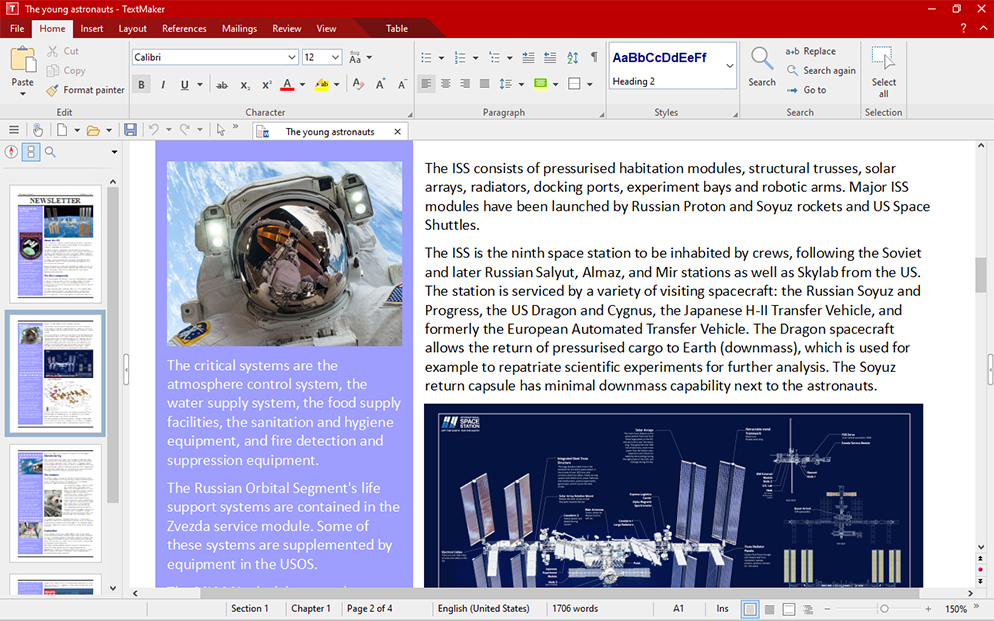
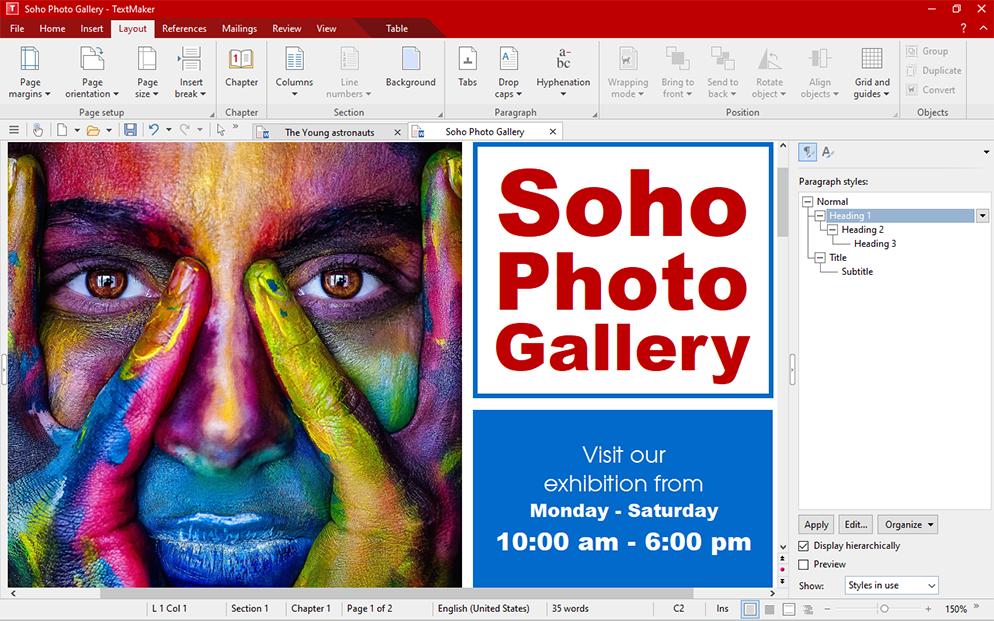
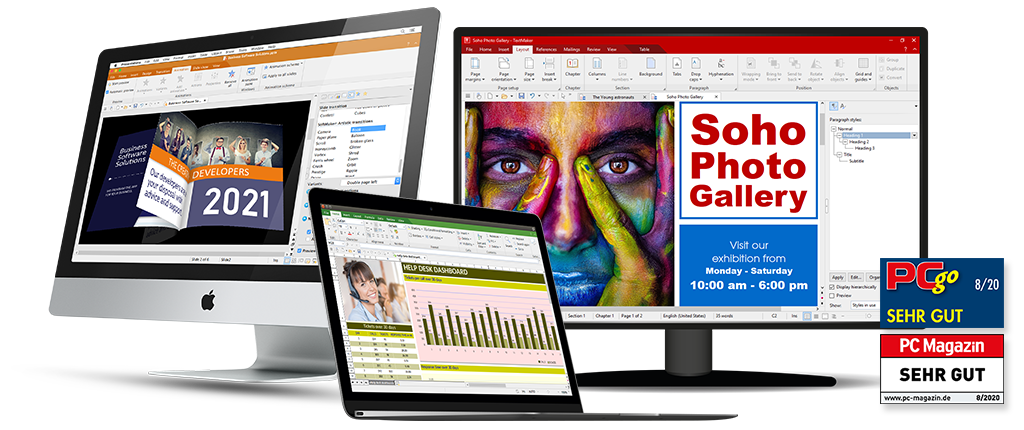
Bộ này gồm 3 công cụ: TextMaker tương đương với Word, PlanMaker tương tự Excel và Presentations tương tự Powerpoint. Điểm mạnh của SoftMaker là nhẹ và mượt hơn bộ Office rất nhiều (nhất là trên M1).
Một số tính năng trên bản 2021
Nhấn vào đây để xem chi tiết
SoftMaker Office 2021: Features:
General:
NEW: SoftMaker Office now uses the Microsoft Office formats DOCX, XLSX and PPTX natively, obviating the need to convert documents for colleagues or business partners.
Create PDF files directly out of every application
NEW: 32-bit and 64-bit versions in the same package
Support for high-resolution 4K screens
NEW: Empty the file history with a single mouse click
Version management that keeps a freely selectable number of versions of each file and enables you to revert to any previous version
Can be installed to a USB flash drive so that it can be used on any PC without installation.
User interface:
NEW: You can use SoftMaker Office either with modern ribbons or with classic menus and toolbars.
NEW: Dozens of new dropdown controls with palettes of options, making document creation much easier (available with ribbons as well as in classic mode)
NEW: Ribbons are customizable.
NEW: “Quick-access toolbar” for frequently used commands
Switch to “dark mode” to reduce eyestrain
NEW: Touchscreen mode with larger icons and more generous spacing
NEW: Open documents either in tabs or in separate windows – just like in a web browser
NEW: Drag document tabs to the desktop to “undock” them to a separate window, or drag them to the tab bar to convert them to a document tab again.
NEW: Rearrange document tabs using drag & drop
NEW: Pin documents and templates in the file and template history for quick access to often-needed files