

Với sự trợ giúp của PassFab iOS Password Manager, bạn có thể tìm lại tất cả thông tin mật khẩu đã lưu trên iPhone, iPad: Wi-Fi, Trang web & Ứng dụng, Email, Apple ID, Thẻ tín dụng….
Tính năng chính
Find Wi-Fi Password – Wonder that how to show Wi-Fi password on iPhone? iOS Password Manager makes it simple to view saved Wi-Fi password on iPhone/iPad without jailbreak. No matter when and how you forgot Wi-Fi password, when you have ever connected it in Apple device, it will figure them out.
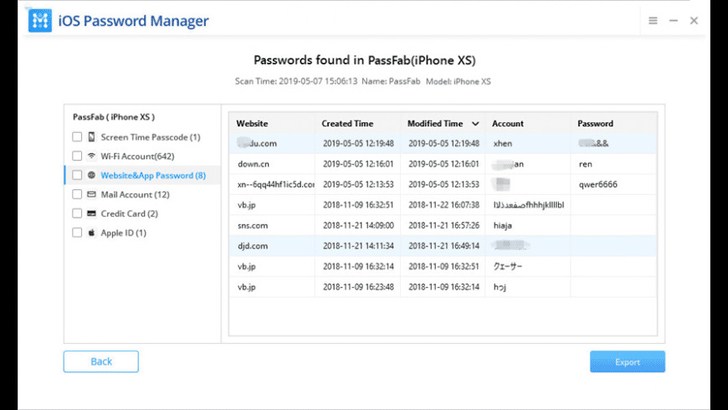
Retrieve Website & App Password – With iOS Password Manager, your website and App login information in iPhone or iPad can be demonstrated and managed in a list without effort. You won’t have the annoyance of forgetting sign in account and login password any more.
View Email Account Password – There are many facts that may cause mail password loss on Apple devices, but this software gives you a hand to get back all your lost E-mail account and login password, and even show all of them to you in chronological order with ease.
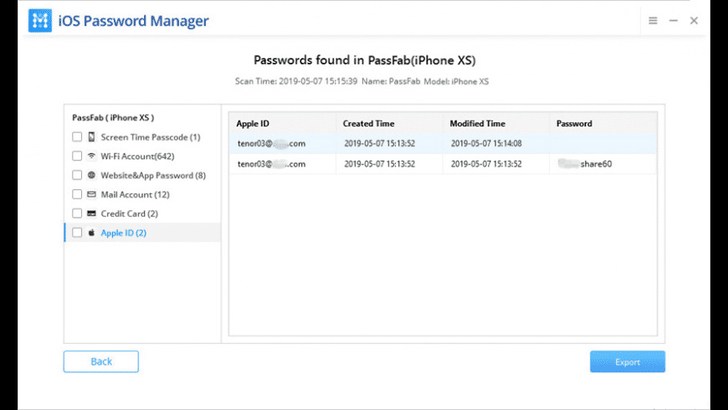
Show Apple ID and Password – What to do when you forgot Apple ID password? Want to figure out your forgotten Apple ID sign in account and login password? Worry not! As your master of memory, this program does well in viewing Apple ID and passwords that kept in your approved iOS devices without using any notebook to record and review.
Display Credit Card Information – You may feel difficult to remember your own credit card information, like card number and expiration date. Actually, this software will list out all of them, and even created time, modified time, credit card holder name, etc. for you within minutes.
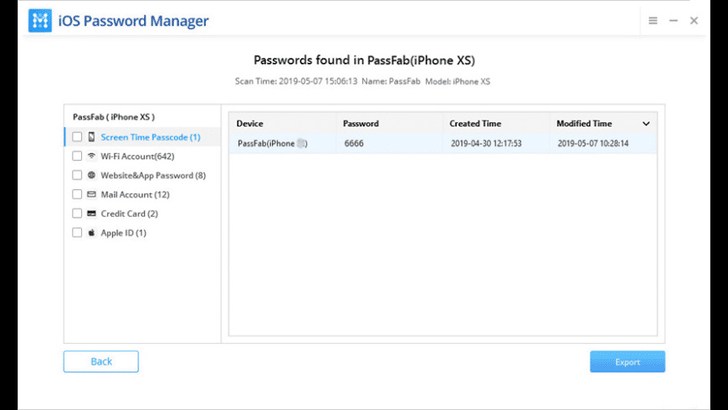
Recover Screen Time Passcode – It is very annoying when you forgot screen time passcode. Failed to find it back no matter how hard you try? The iOS Password Manager allows you to figure out screen time passcode with one click and no need to worry about losing it again.
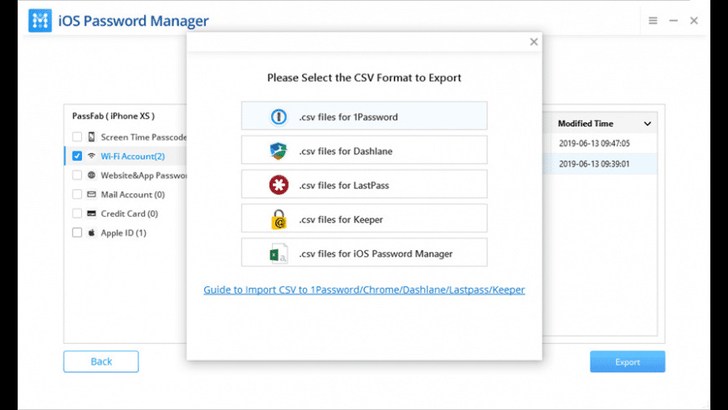
Export Password to CSV – As an easy-to-use password manage tool, it plays an important role in exporting your password to .csv file for other common third-party password managers, such as 1Password, LastPass, Dashlane, Keeper and Chrome.
PassFab_iOS_Password_Manager_1.3.2







