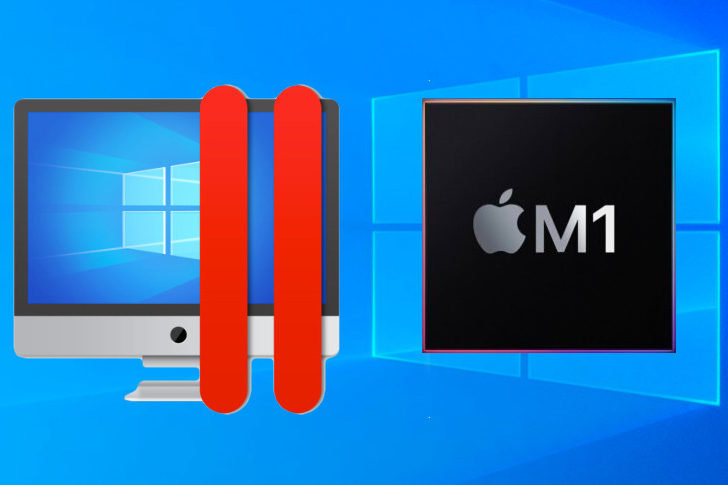
Parallels Desktop for Apple Silicon (M1) – Chạy Windows trên Mac Silicon
22
**Parallels Desktop for Apple Silicon (M1) – Chạy Windows trên Mac Silicon 🚀**
Chào mừng bạn đến với thế giới liền mạch, nơi Mac 🍎 và Windows 💻 cùng tồn tại! Parallels Desktop for Apple Silicon (M1) mang đến giải pháp đột phá, cho phép bạn chạy hệ điều hành Windows mạnh mẽ ngay trên chiếc MacBook Air, MacBook Pro hay Mac Mini với chip M1, M2, M3 mới nhất. ✨
✨ **Trải nghiệm Windows mượt mà trên Mac của bạn:**
Tận hưởng sự kết hợp hoàn hảo giữa macOS và Windows. Chạy các ứng dụng Windows yêu thích a.k.a Microsoft Office 365, Excel, phần mềm thiết kế, game 🎮, và nhiều hơn nữa, song song với các ứng dụng Mac của bạn mà không hề gián đoạn. 🔄
🌟 **Yêu cầu Hệ thống Đơn giản cho người dùng cá nhân:**
* **Phiên bản macOS:** Yêu cầu macOS Sonoma 14.0 trở lên, hoặc macOS Ventura 13.2 trở lên. 📲
* **Cấu hình Tối thiểu:**
* Chip: Bất kỳ chip Apple Silicon nào (M1, M2, M3 series). 칩
* RAM: Tối thiểu 4 GB RAM. 💾
* Dung lượng Lưu trữ: 600 MB cho Parallels Desktop, cộng thêm ít nhất 16 GB cho hệ điều hành Windows. 📂
Parallels Desktop for Apple Silicon (M1) là lựa chọn lý tưởng cho người dùng cá nhân, mang đến sự linh hoạt và mạnh mẽ chưa từng có. Khám phá ngay hôm nay! 💡
Parallels vẫn là phần mềm đi đầu trong việc chạy Windows trên Mac, và lần này họ vẫn đi đầu với việc ra mắt phiên bản Parallels Desktop dành cho chip Apple Silicon M1.
New features
Added support for suspending and resuming a virtual machine.
Support for installing Parallels Tools in the following Linux distributives: Ubuntu 20.04 or later, Debian 10.7 or later, and Fedora Workstation 33-1.2 or later.
Compatible Linux installation images are now automatically detected in the Installation Assistant.
Improvements
Improved overall stability.
Resolved the issue with ARM-based Linux ISO images being recognized as Intel-based ones.
Resolved the issue with missing sound when a virtual machine is created from a VHDX image.
Resolved the issue with not being able to select an ISO image as an installation source when VHDX is specified in the drop-down menu.
Known issues
During the Parallels Tools update, the virtual machine’s screen may freeze for several minutes, please simply wait.
Chi tiết cách cài và hướng dẫn bypass ae theo dõi tại đây
Hướng dẫn chi tiết cài Windows trên Mac bằng Parallels Desktop 17