Microsoft Office 2021 – Bộ công cụ văn phòng mới nhất của Microsoft
92
Microsoft Office 2021 – Bộ công cụ văn phòng mới nhất của Microsoft 🚀
Chào mừng bạn đến với Microsoft Office 2021, bộ ứng dụng văn phòng đỉnh cao được Microsoft thiết kế đặc biệt cho người dùng cá nhân, mang đến trải nghiệm làm việc hiệu quả và sáng tạo tối ưu trên chiếc MacBook của bạn 💻. Phiên bản này tập hợp những công cụ mạnh mẽ nhất như Word, Excel, PowerPoint, Outlook, Teams, và OneNote, sẵn sàng hỗ trợ bạn chinh phục mọi tác vụ từ soạn thảo văn bản, phân tích dữ liệu, thiết kế bài thuyết trình ấn tượng cho đến quản lý email và giao tiếp.
Để trải nghiệm Microsoft Office 2021 trên MacBook, bạn cần đảm bảo thiết bị của mình đang chạy phiên bản macOS Monterey 12 trở lên 🍎.
Cấu hình tối thiểu để cài đặt bao gồm bộ xử lý Intel hoặc Apple Silicon, dung lượng ổ cứng trống tối thiểu 10 GB, và RAM 4GB. Tuy nhiên, để có hiệu suất tốt nhất, khuyến nghị sử dụng các cấu hình cao hơn 💡.
Với giao diện thân thiện và các tính năng được cải tiến, Office 2021 giúp bạn làm việc mọi lúc, mọi nơi, biến ý tưởng thành hiện thực một cách nhanh chóng và chuyên nghiệp ✨. Hãy nâng cấp trải nghiệm văn phòng của bạn ngay hôm nay với Microsoft Office 2021! 🌟
#MicrosoftOffice2021 #MacBook #VănPhòng #CôngCụ #SángTạo #HiệuQuả #Word #Excel #PowerPoint #Outlook
Microsoft Office 2021 chính thức ra mắt vào ngày 5/10, cùng với Windows 11. Microsoft cho biết Office 2021 được hỗ trợ trên Windows 11, Windows 10 và ba phiên bản macOS mới nhất.
Phiên bản Office 2021 có những thay đổi quan trọng như Hỗ trợ cho chế độ tối được cải thiện, Cải thiện các tính năng trợ năng, Mảng động, Cải tiến chung trong Word, Excel, Outlook và PowerPoint
Các công cụ có trong bộ Office 2021
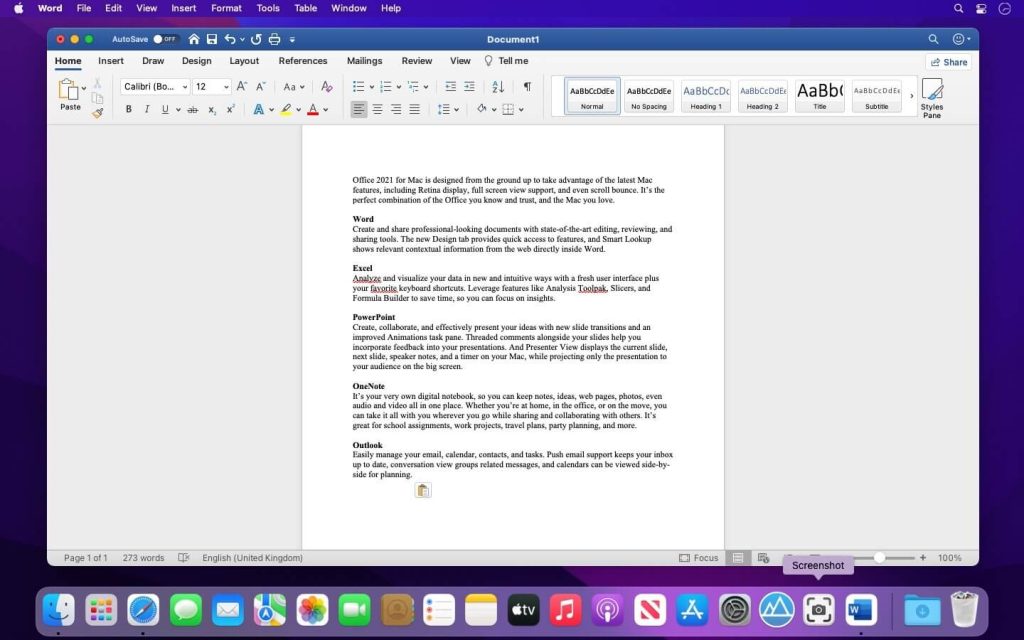
Nhấn vào đây để xem chi tiết
Word
Create and share professional-looking documents with state-of-the-art editing, reviewing, and sharing tools. The new Design tab provides quick access to features, and Smart Lookup shows relevant contextual information from the web directly inside Word.
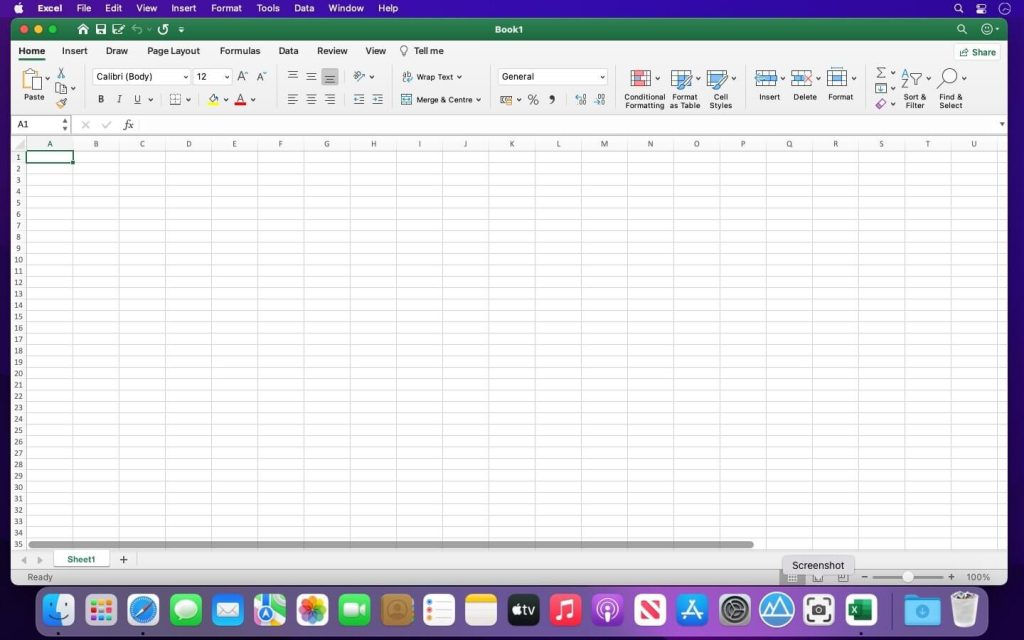
Excel
Analyze and visualize your data in new and intuitive ways with a fresh user interface plus your favorite keyboard shortcuts. Leverage features like Analysis Toolpak, Slicers, and Formula Builder to save time, so you can focus on insights.
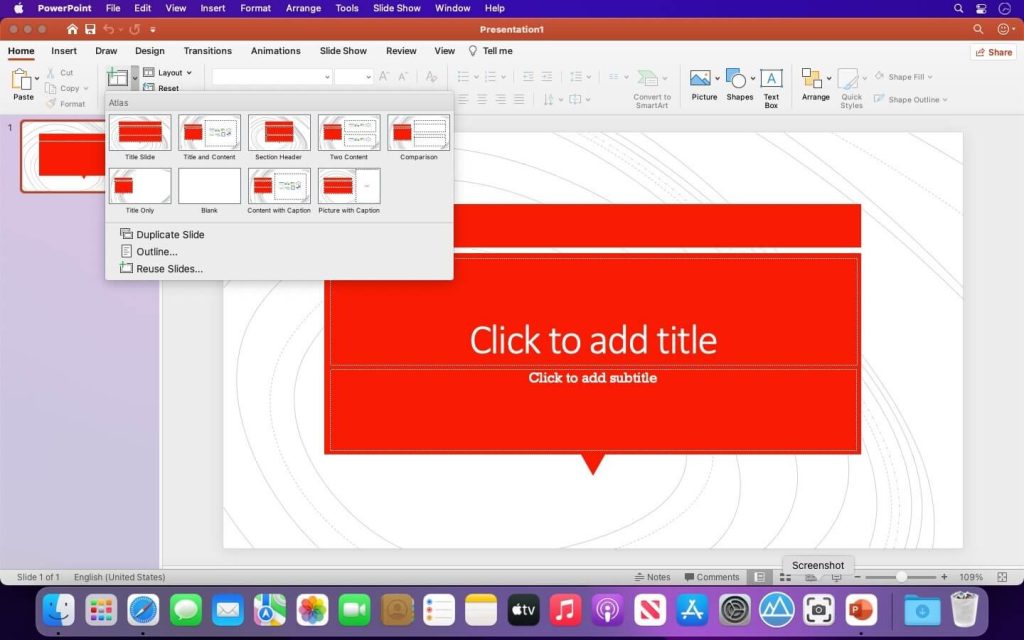
PowerPoint
Create, collaborate, and effectively present your ideas with new slide transitions and an improved Animations task pane. Threaded comments alongside your slides help you incorporate feedback into your presentations. And Presenter View displays the current slide, next slide, speaker notes, and a timer on your Mac, while projecting only the presentation to your audience on the big screen.
OneNote
It’s your very own digital notebook, so you can keep notes, ideas, web pages, photos, even audio and video all in one place. Whether you’re at home, in the office, or on the move, you can take it all with you wherever you go while sharing and collaborating with others. It’s great for school assignments, work projects, travel plans, party planning, and more.
Outlook
Easily manage your email, calendar, contacts, and tasks. Push email support keeps your inbox up to date, conversation view groups related messages, and calendars can be viewed side-by-side for planning.