

**System Toolkit – Ứng dụng bảo trì hệ thống all in one trên Mac hướng đến khách hàng cá nhân.**
Chào mừng bạn đến với System Toolkit – giải pháp tối ưu hóa toàn diện dành riêng cho người dùng Mac cá nhân! ✨ System Toolkit mang đến một bộ công cụ mạnh mẽ, giúp chiếc MacBook của bạn hoạt động mượt mà và hiệu quả hơn bao giờ hết. 🚀
Với giao diện trực quan và dễ sử dụng, bạn có thể dễ dàng dọn dẹp các tệp rác, giải phóng dung lượng ổ đĩa, tăng tốc độ khởi động và cải thiện hiệu suất tổng thể của hệ thống. 🧹💨
System Toolkit hỗ trợ bảo trì hệ thống một cách thông minh, từ việc quản lý ứng dụng khởi động, gỡ cài đặt phần mềm triệt để, đến việc theo dõi tình trạng sức khỏe của ổ cứng. 📊❤️
Để trải nghiệm trọn vẹn sức mạnh của System Toolkit, bạn cần đảm bảo máy Mac của mình đang chạy từ phiên bản macOS 10.14 (Mojave) trở lên. 🍏 Về cấu hình tối thiểu, máy Mac của bạn nên có ít nhất 4GB RAM và 100MB dung lượng trống trên ổ cứng để cài đặt và vận hành ứng dụng một cách ổn định. 💾
Hãy để System Toolkit trở thành người bạn đồng hành tin cậy, giúp bạn tận hưởng trải nghiệm Mac đỉnh cao mỗi ngày! 🎉🌟
System Toolkit là một ứng dụng bảo trì và hiển thị thông tin hệ thống tất cả trong một được thiết kế dành riêng cho macOS.
You can add as many menu bar widgets as you like. Every menu bar widget can be configured to show information.Info Panel
The info panel shows the most important information in a separate window.Bluetooth Device Battery Levels
The System Toolkit shows the battery levels of Bluetooth devices.The following devices are supported:
Peripherals:
- Apple Magic Mouse
- Apple Magic Mouse 2
- Apple Magic Trackpad 2
- Apple Wireless Keyboard
- Apple Wireless Trackpad
Earphones:
- Apple AirPods
- Apple AirPods Pro
- Apple AirPods Max
- Beats Solo 3
- Beats
Battery Information
You can check the battery parameters on the battery page. This page shows detailed information about the internal battery. If you are using a Mac without battery, this page is hidden.
Besides the information pages, the System Toolkit also offers the following maintenance features:
- Fast Maintenance: Clean your Mac System with a single click!
- Disk Cleaner
The disk cleaner searches your entire hard disk for temporary or cached files that can be deleted to free up some disk space. The categories include application- and user cache, developer cache, browser cache and many more caches.
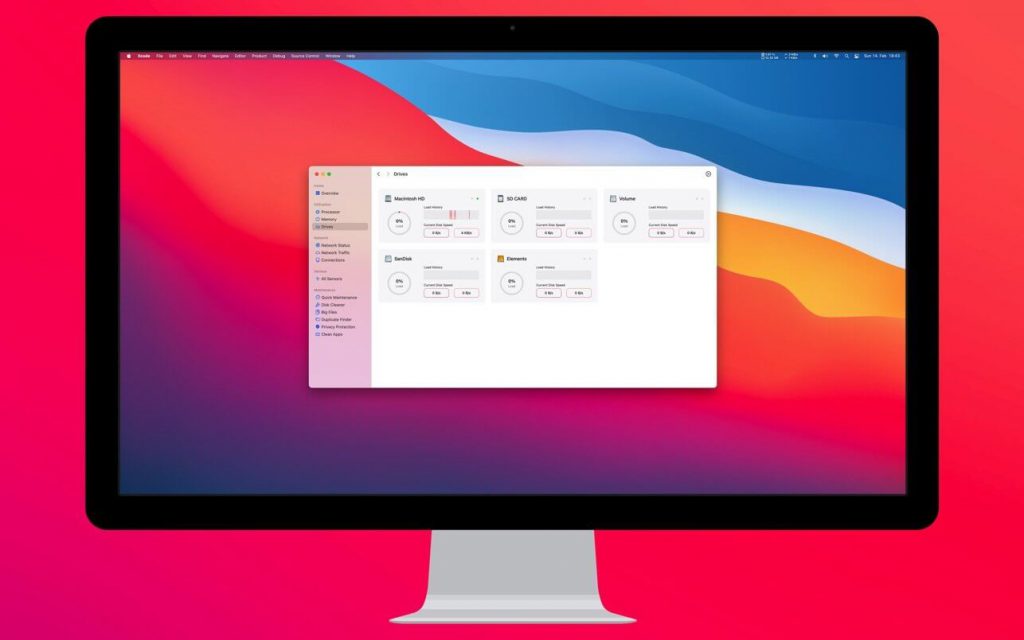
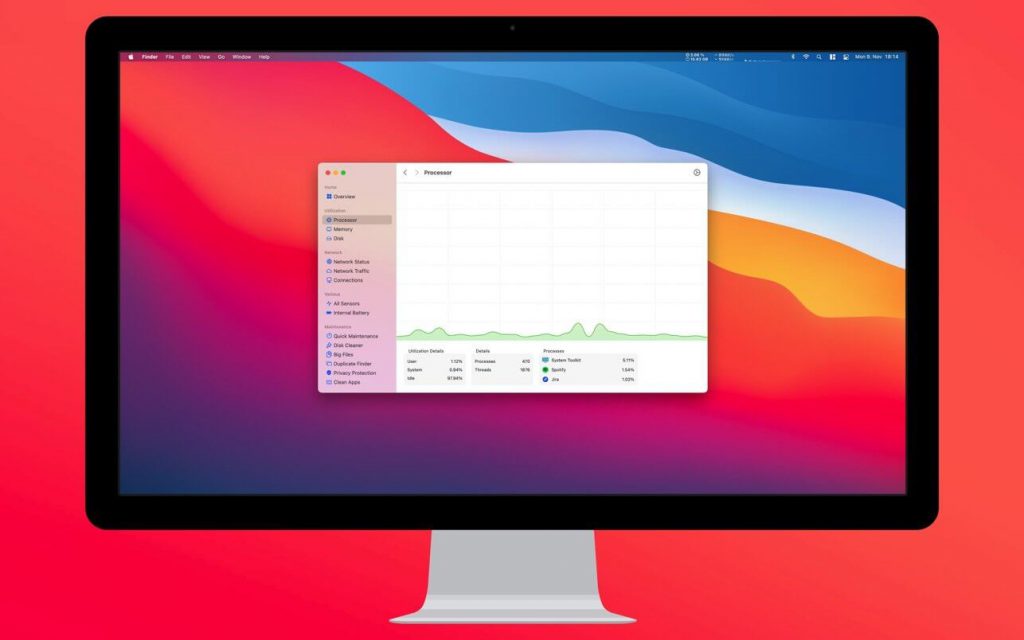
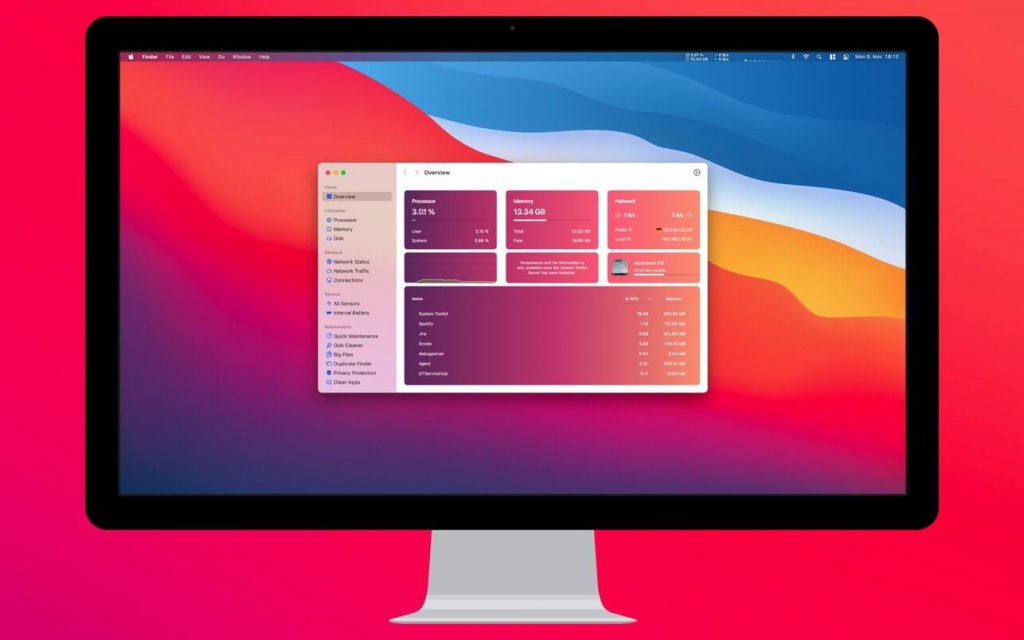
System Toolkit 5.11.0
System_Toolkit_5.12.0
System_Toolkit_5.12.2
System_Toolkit_5.14.0
System_Toolkit_5.14.1
System Toolkit 5.14.2
System_Toolkit_5.15.0
System_Toolkit_5.16.0
System_Toolkit_5.17.1
System_Toolkit_6_0_0
System_Toolkit_6.0.2
Các bản cũ hơn


