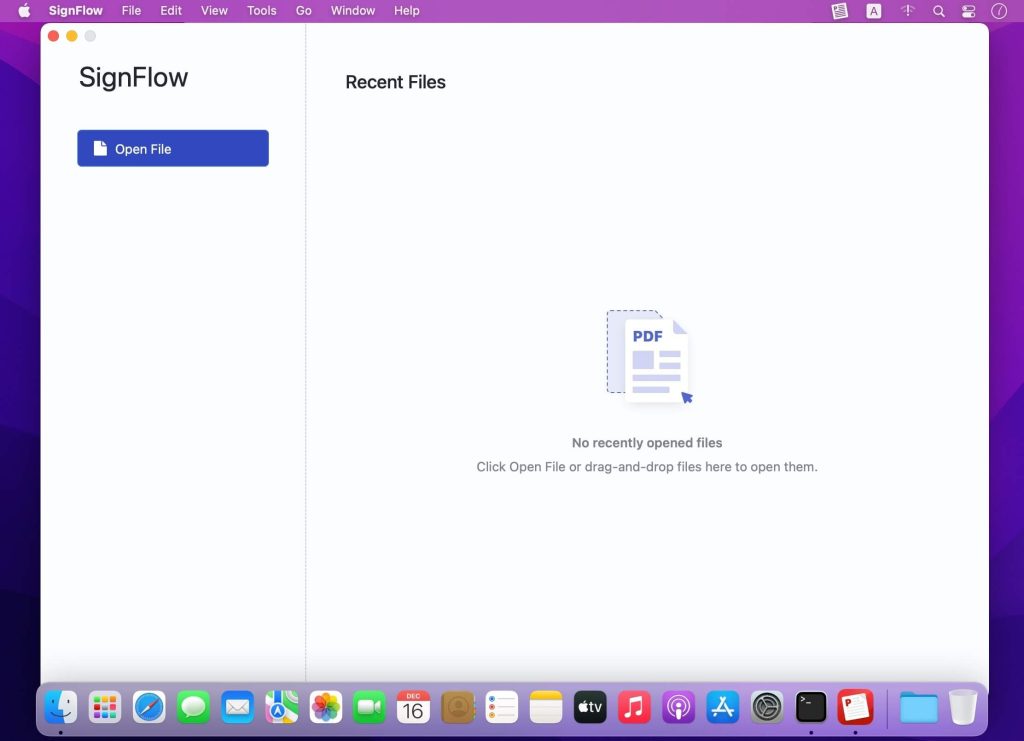
SignFlow là phần mềm chuyên dụng để ký điện tử (eSignature) cho File PDF. Ngoài ra phần mềm cũng tích hợp các chức năng Tạo file PDF, đọc, chỉnh sửa, ghi chú…
Các tính năng chính:
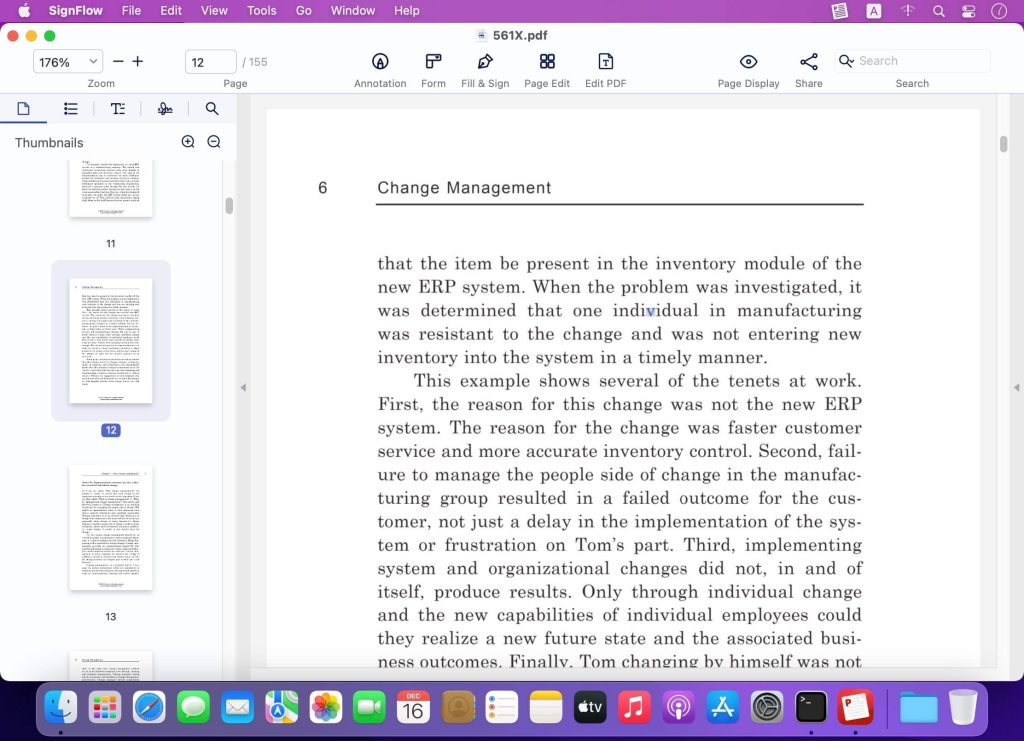
Read PDF
- Open PDF files from the Finder and view multiple files in one tab simultaneously. Support Drag & Drop
- Reading modes: view file in full-screen, page-fit, book mode, read mode, continuous and page break
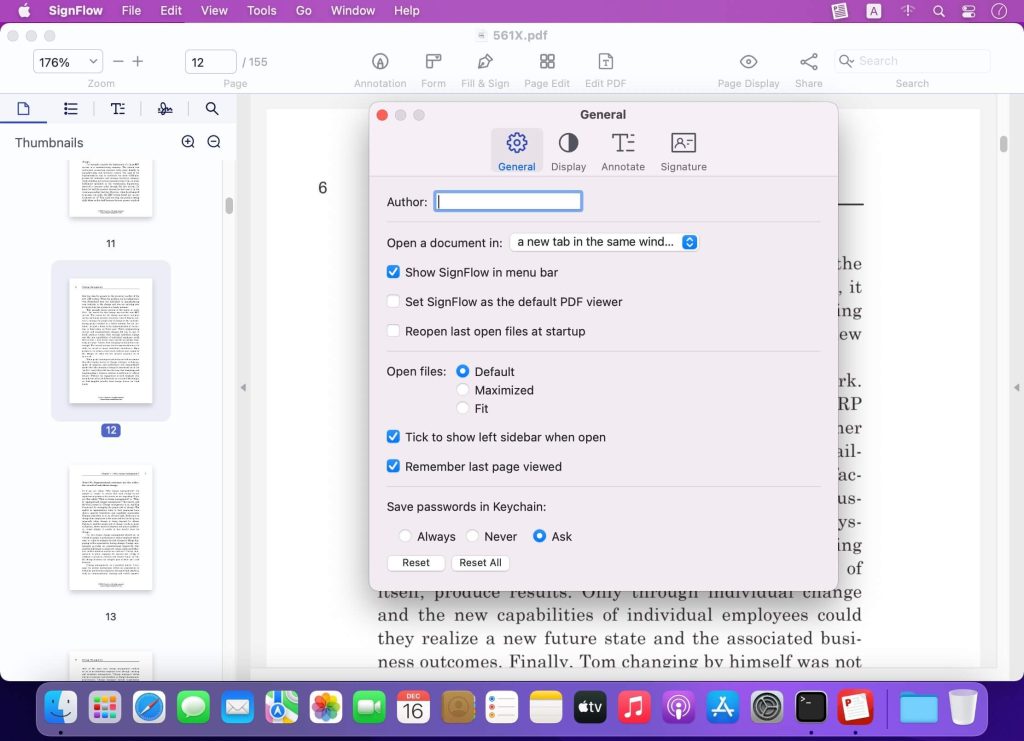
- Customize and personalize toolbar to provide easy access to frequently-used features
- Quickly navigate PDF files by page thumbnails or outlines
- Switch themes from light mode, dark mode, sepia mode and reseda mode to please your eyes
Markup / Annotation Expert
- Markup, highlight, underline, strikeout text in PDFs
- Annotate PDF, add comment, text box, anchored note, freehand drawing, stamps, insert shapes(rectangle, circle, line, arrow), hyperlink, etc.
- Add/edit links. Target link to a specific page in page number, external website(URL) and email
- Apply standard business stamps(like APPROVED) or create custom dynamic seals and digital identity stamps with an automatic date
Digital Sign PDFs
- e-Signing documents. Apply a certificate-based signature(p12) on a document with a digital ID
- Create a self-signed digital ID for a legal signature to protect electronic documents against fraud
- Customize the e signature appearance. You can personalize signing information like signer name, date, reason, logo and more
- eSign PDF documents, no signee and signable pdf files limits
- Sign PDF or add digital signature with no need to sign up an account
Organize / Edit Pages
- Manage pages of a document such as reorganize, renumber, insert, extract, rotate and delete pages.
- Insert a blank page or borrow pages from another PDF into the existing PDF
- Extract pages or drag selected pages out to create a new PDF
- Rotate and delete pages in a PDF
Edit PDF Text
- PDF text editing like Word. You can replace, add, change or delete texts in PDFs. Font attributes (font size&text color) are changeable
Form Creator & PDF Filler
- Create and edit fillable PDF forms with interactive fields, such as text fields, checkboxes, radio buttons, list boxes, combo boxes, and etc.
- Form editor allows you to group form fields and align form elements as you need
- Work with static PDF forms created in Adobe Acrobat
Secure & Share PDF
- Set a password and permissions to protect PDFs from being opened, copied, edited, moved, printed by unauthorized users
- Save and share your files (original PDF, Flattened PDF) to others
Link AppStore: apps.apple.com/vn/app/signflow-esign-pdf-editor/id1584624017
Tương thích: macOS 10.12 or later
SignFlow_1.0
SignFlow_1.1
SignFlow_1.1.1