
**SFTPCommander – Trình kết nối FTP, SFTP chuyên dụng cho MacBook 🚀**
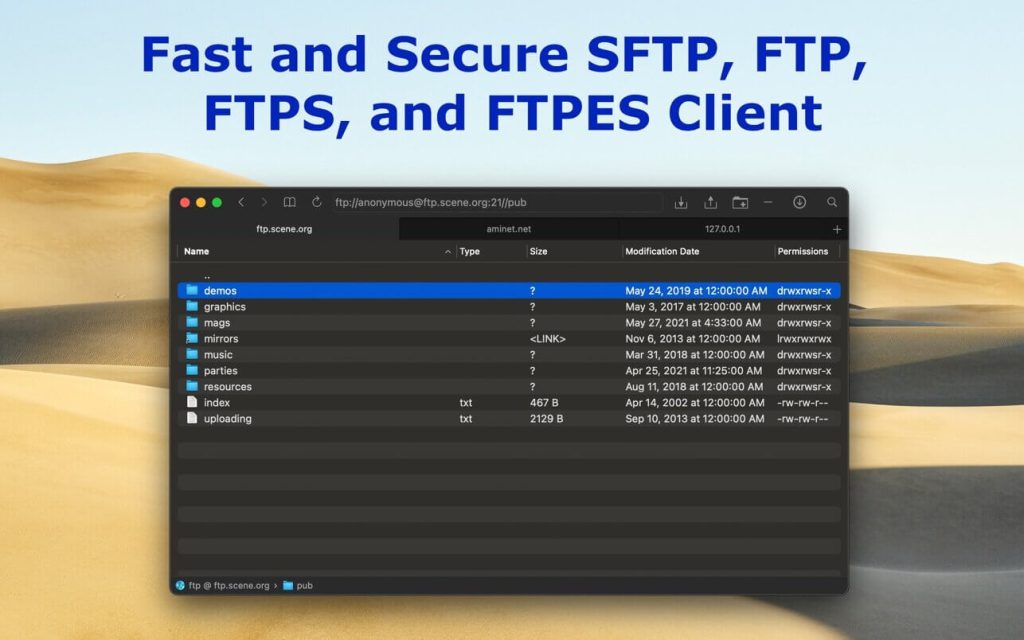
Chào mừng bạn đến với SFTPCommander, giải pháp truyền tải tệp tin 📁 tối ưu, được thiết kế đặc biệt cho người dùng macOS cá nhân! ✨ Với giao diện trực quan, lấy cảm hứng từ trình duyệt web 🌐, SFTPCommander mang đến trải nghiệm kết nối FTP, SFTP, FTPS, và FTPES mượt mà và hiệu quả. Quên đi sự phức tạp, giờ đây bạn có thể quản lý tệp tin từ xa một cách dễ dàng như lướt web! 💨
✅ **Yêu cầu Hệ thống:**
* **Phiên bản macOS:** Yêu cầu **macOS 10.15 trở lên** 🍎.
* **Cấu hình tối thiểu:** Tương thích với chip **Apple Silicon** hoặc bộ xử lý **Intel Core** 💻. Với dung lượng nhẹ nhàng, SFTPCommander đảm bảo hoạt động trơn tru ngay cả trên các máy Mac cấu hình phổ thông.
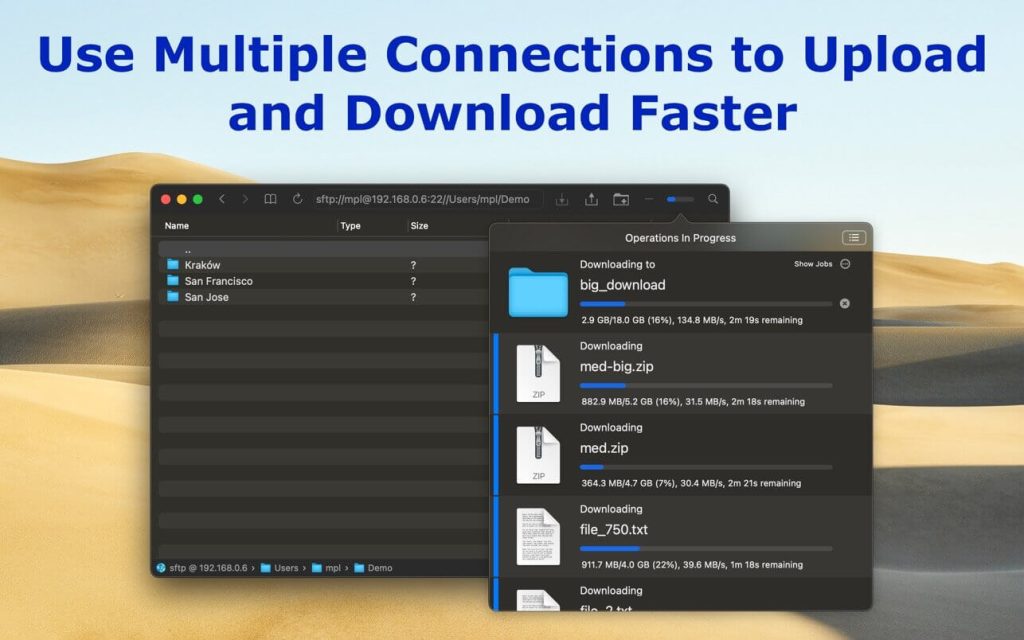
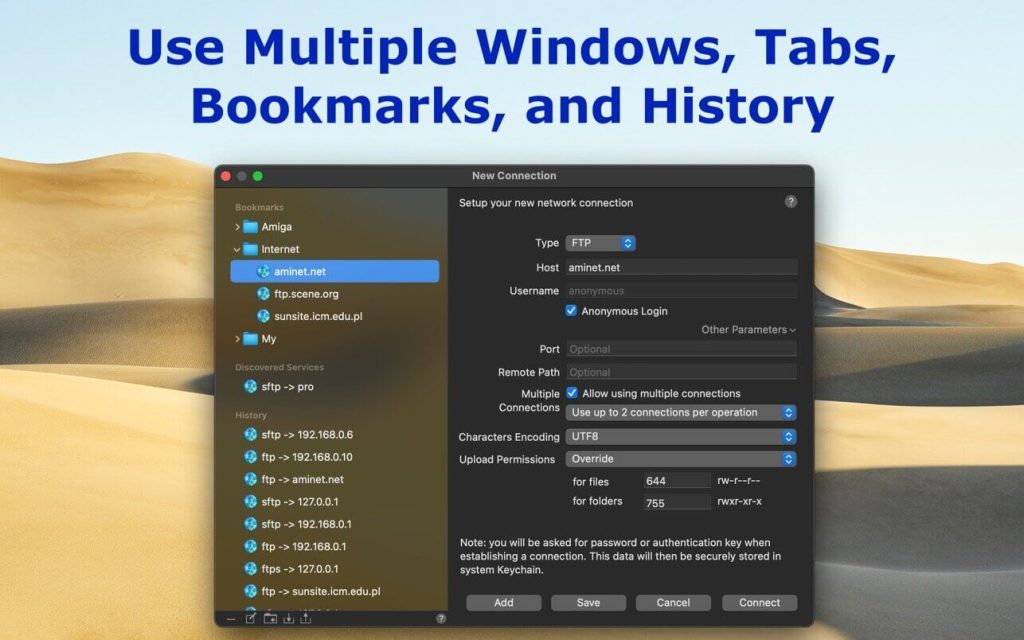
SFTPCommander tích hợp sâu với hệ điều hành, hỗ trợ kéo thả 🖱️, Touch Bar, và Trung tâm Thông báo. 📲 Khám phá các tính năng mạnh mẽ như xem trước tệp tin với QuickLook 👀, chỉnh sửa trực tiếp tệp tin từ xa ✍️, tìm kiếm tệp tin trên máy chủ 🔍, và tải lên/tải xuống thư mục cùng nội dung ⬆️⬇️. Khả năng tiếp tục tải xuống/tải lên bị gián đoạn 🔄 và tính năng khám phá máy chủ Bonjour 💡 là những điểm cộng lớn.
Hãy tải SFTPCommander ngay hôm nay để trải nghiệm sự khác biệt! 🎉 Tự tin kết nối và quản lý dữ liệu của bạn! 💪
SFTP Commander là tất cả những gì bạn cần để sử dụng FTP/SFTP trên macOS.Ứng dụng được tích hợp tốt với hệ điều hành và hỗ trợ các công nghệ như kéo và thả, Touch Bar, …
Tính năng chính:
Tương thích: macOS 10.13.6 or later
SFTPCommander 2.5