
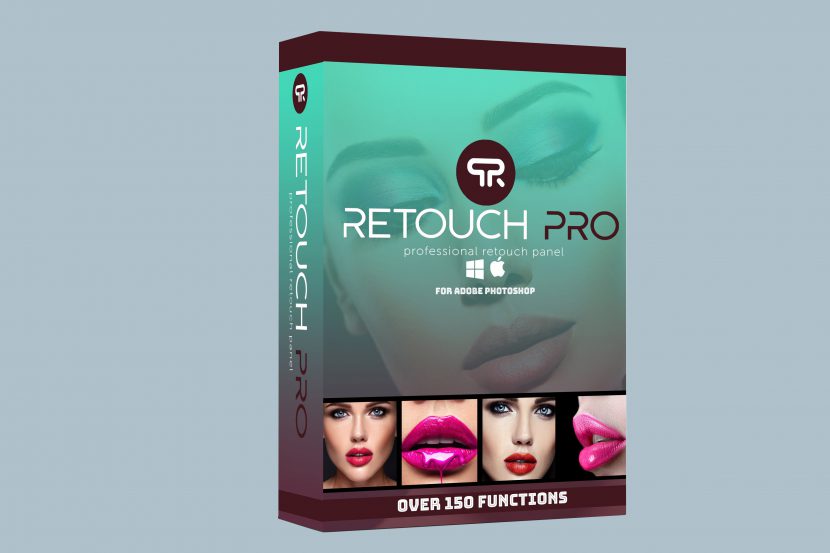
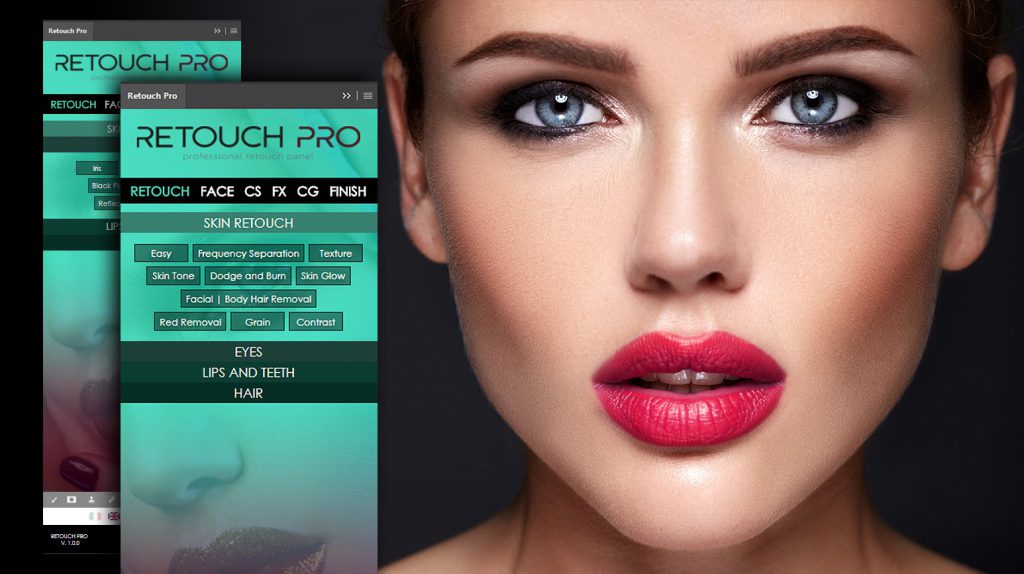
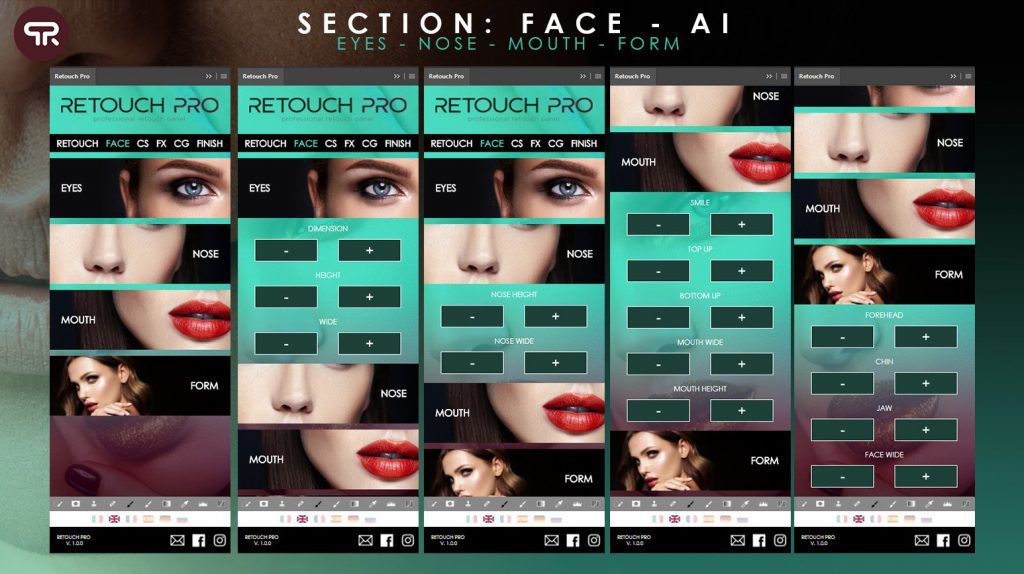
Retouch Pro là bảng điều khiển cực kì tiện dụng dành cho những người làm trong ngành nhiếp ảnh, Retouch Pro có hơn 150 chức năng, sử dụng trí tuệ nhân tạo trong thời gian thực. Công cụ được tạo ra bởi sự trải nghiệm và thử nghiệm bởi các nhiếp ảnh gia giỏi nhất thế giới.
Bộ Retouch Pro Panel bao gồm:
- Skin Retouch
- Eyes Retouch
- Hair Retouch
- Lips Retouch
- Clothes retouch
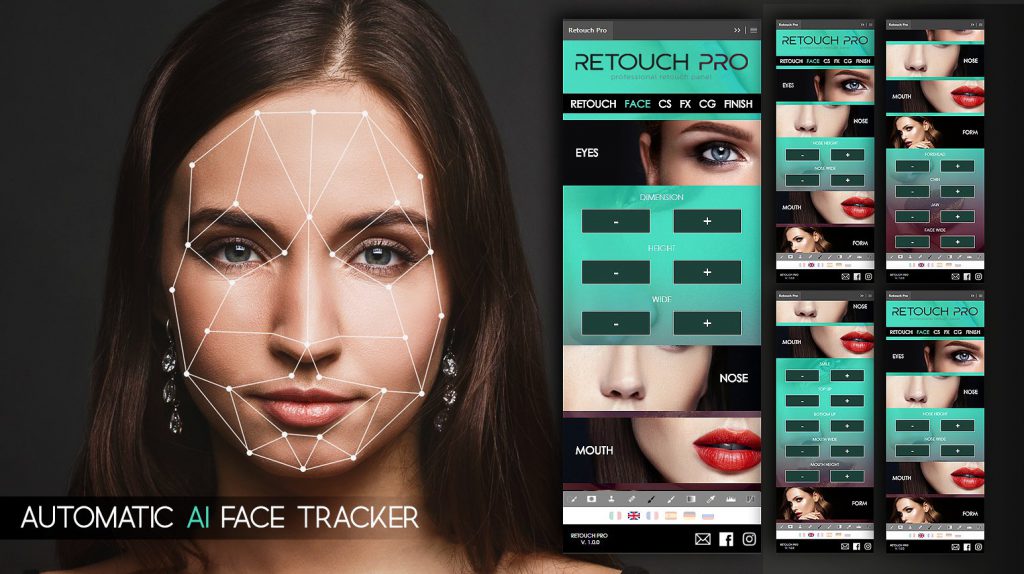
- Artificial Intelligence: Face Recognition
- Artificial Intelligence: Body Recognition
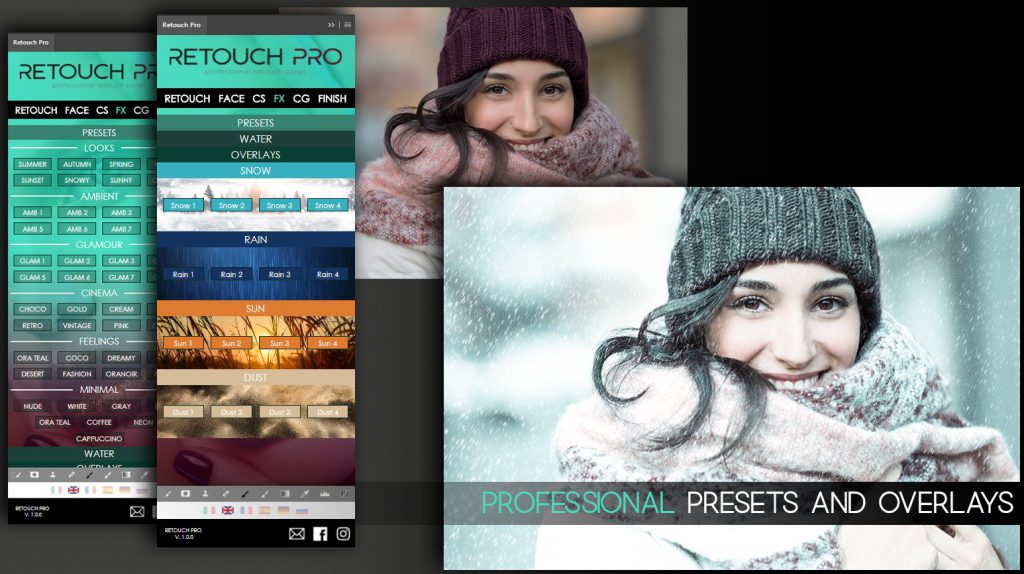
- +20 Professional presets
- Water color
- Overlays: Snow, Rain, Sun, Dust
- Split Toning and Color Grading
- AI Realistic background Blur
- AI Realistic background color
- and much more!
Video giới thiệu:
Trang chủ:
Retouch Pro Panel (6 Languages Available)
Cách cài đặt: Có 2 cách
Cách 1. Kéo thư mục com.nextus.retouch vào thư mục Extensions của Photoshop (mở file dmg lên kéo ngang vào là được)
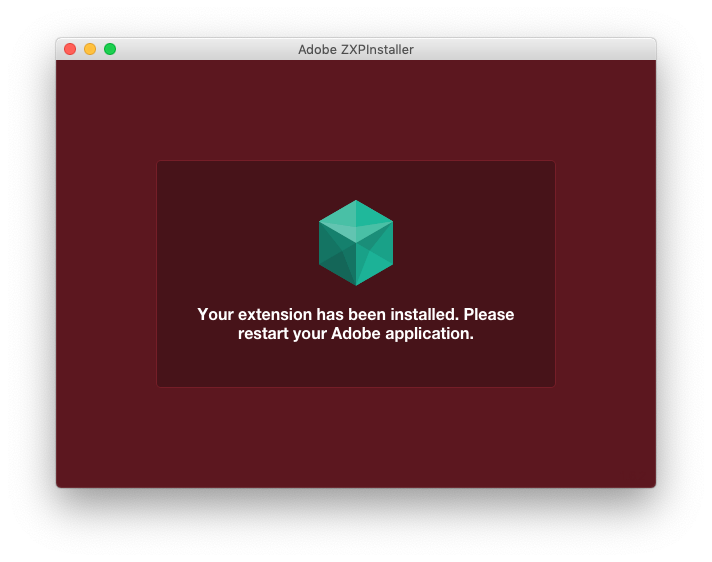
Cách 2. Tải và cài ZXPInstaller tại đây. Sau đó mở ZXPInstaller lên, kéo file RetouchPanel.zxp vào cửa sổ ZXPInstaller (Hoặc nhấn rồi chọn tới fileRetouchPanel.zxp). Báo Completed là được.
Mở Photoshop> Windows>Extensions>Retouch Pro và trải nghiệm. Rất Pro luôn.
Tương thích: từ Adobe Photoshop CC 2014 tới 2020
Retouch Pro Retouch Panel for Adobe Photoshop
Bản Fix dành cho PTS 2021, 2021 [Thanks Nguyễn Thái]
Lưu ý: Photoshop bản quyền trên M1 hiện tại phải cho chạy qua Rosetta mới dùng được Extension







