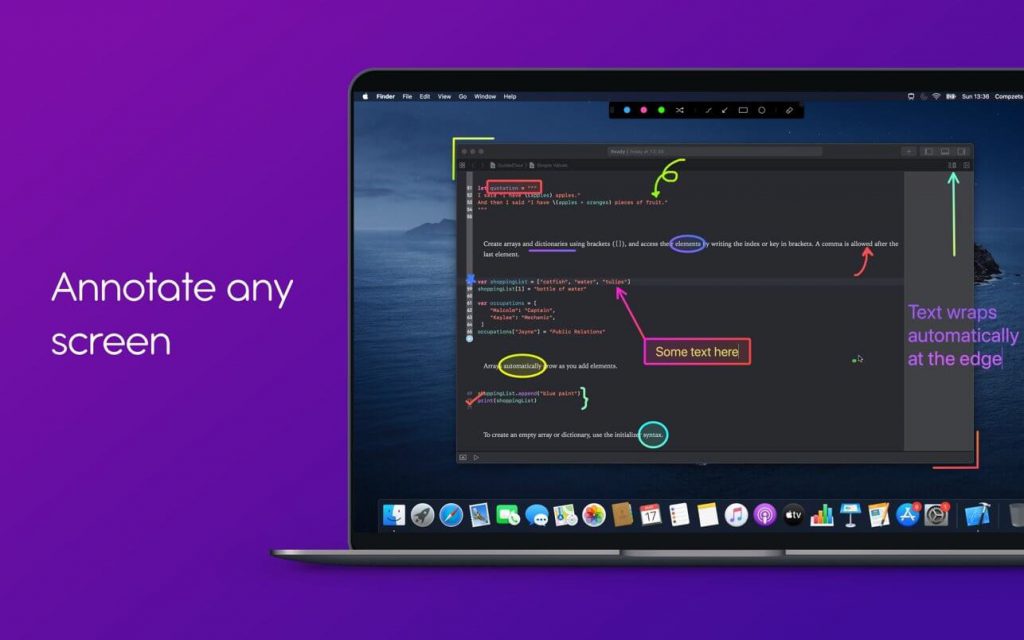
Với Presentify bạn có thể chú thích bất cứ thứ gì trên màn hình, có thể là hình ảnh, video, pdf, màn hình code…Presentify khá hữu ích cho việc giảng dạy trực tuyến, ghi lại video hướng dẫn, đưa ra bản demo, làm việc từ xa…
TÍNH NĂNG CHÍNH:
DRAW ANYWHERE ANYTIME
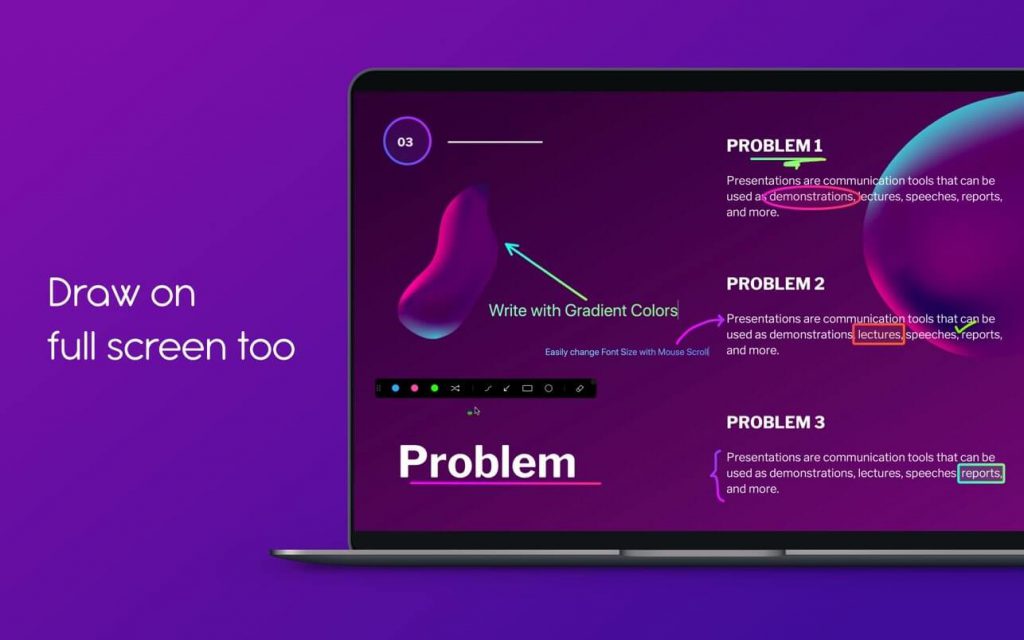
- You can draw on or annotate any screen you wish. Simply select `Annotate Screen` from the menu bar and start doodling.
- A lot of drawing shapes to choose from. You can even write Text now.
- Draw with random gradient colors instead of just plain colors.
- Auto-erase your annotations. Perfect for emphasizing on something specific or explaining your thoughts.
- You can draw even when other applications are running in full-screen mode. Great for live presentations and during video calls when working remotely.
- Highlighter feature lets you highlight portions of text without obscuring it.
- You get a Straight Line by pressing and holding the Shift Key while Freehand drawing. And, you can fill the Rectangles and Circles with a semi-transparent color by pressing and holding the Option Key.
- Works on iPad connected to a Macbook via Sidecar, Astropad, or Duet.
- Works with Keynote (even in Presentation mode).
- Compatible with all video calling software like Zoom, Google Meet, Skype, etc.
- Works with drawing tablets like XP-Pen, Wacom, etc.
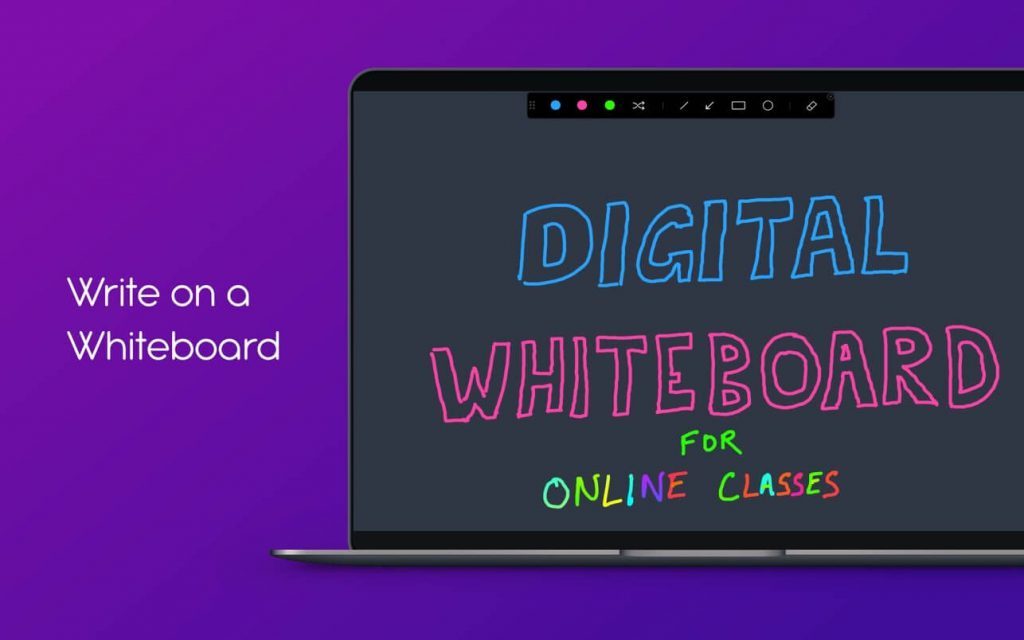
WHITEBOARD
- Draw on a whiteboard (and not over other apps) if you wish.
- You can even change the color of your whiteboard to whatever you feel like.
ANNOTATE CONTROLS
- A handy control panel to switch between different annotate tools and colors.
- Move the control panel anywhere on the screen by dragging it.
UNDO/REDO SUPPORT
- Do not have to worry about mistakes while annotating.
KEYBOARD SHORTCUTS
- You can annotate screen, highlight cursor, change drawing colors and shapes, etc. from any app with simple keyboard shortcuts.
- Customize the key shortcuts as you like.
MULTI-SCREEN SUPPORT
- Annotate on multiple screens without having to turn on/off Annotate.
- Each screen has its own undo/redo stack so that you do accidentally erase something that you do not see.
HIGHLIGHT YOUR MOUSE POINTER
- With Presentify you never have to keep moving your cursor to grab the attention of your audience.
- Change your cursor highlight color, opacity, size, and more.
- You can also choose to highlight only when you move your cursor/mouse.
UPCOMING FEATURES
ANNOTATION
- Ability to cut and move annotations
- Spotlight feature
- Background mode
- Zoom
MOUSE HIGHLIGHT
- New mouse highlight designs and animations
OTHERS
- Change the slides of your presentation from your iPhone
- And, many more
Tương thích: macOS 10.13 trở lên
Presentify_4.1.2