OS Cleaner Pro – Disk Cleaner – Trình dọn dẹp, tăng tốc máy Mac
1
Tuyệt vời! Dưới đây là bài giới thiệu về **OS Cleaner Pro – Disk Cleaner – Trình dọn dẹp, tăng tốc máy Mac** dành cho người dùng cá nhân, với các yêu cầu bạn đã đề ra:
—
## ✨ OS Cleaner Pro – Disk Cleaner: Giải pháp Tối ưu Toàn diện cho Máy Mac của Bạn! ✨
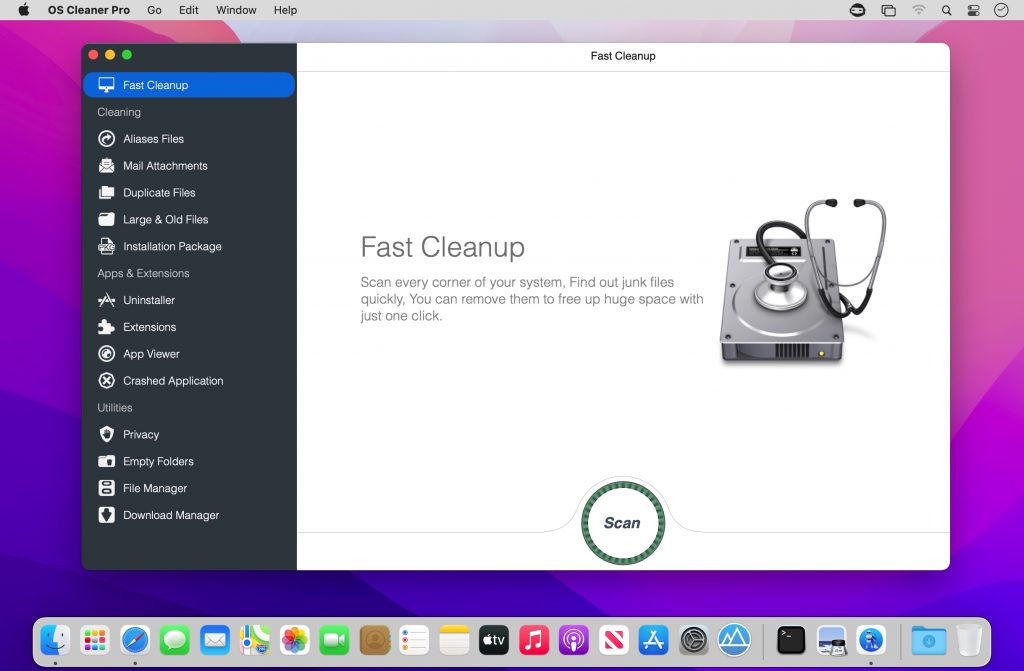
Bạn đang tìm kiếm một công cụ mạnh mẽ để dọn dẹp, tăng tốc và bảo vệ chiếc MacBook yêu quý? **OS Cleaner Pro – Disk Cleaner** chính là trợ thủ đắc lực dành cho bạn! 🚀 Với giao diện thân thiện và các tính năng thông minh, phần mềm này giúp giải phóng dung lượng ổ đĩa, loại bỏ các tệp rác, ứng dụng không cần thiết và tối ưu hóa hiệu suất hoạt động của máy Mac, mang lại trải nghiệm mượt mà, nhanh nhạy chưa từng có. 💨
🔧 **Giải phóng Dung lượng & Tăng tốc Hiệu suất:**
* Dọn dẹp sạch sẽ các tệp rác hệ thống, cache trình duyệt, log lỗi, và các dữ liệu tạm thời khác. 🧹
* Gỡ bỏ các ứng dụng không dùng đến một cách triệt để, kể cả các tệp còn sót lại. 🚫
* Tối ưu hóa các mục khởi động để máy Mac khởi động nhanh hơn. ⚡
* Phân tích và hiển thị trực quan các tệp chiếm dung lượng lớn, giúp bạn dễ dàng quản lý. 📊
✅ **Yêu cầu Hệ thống Tối thiểu:**
Phần mềm yêu cầu **macOS 10.12 trở lên** để đảm bảo khả năng tương thích và hiệu suất tốt nhất. 🍎 Cấu hình tối thiểu bao gồm **ít nhất 4GB RAM** và **khoảng 100MB dung lượng trống** trên ổ đĩa cài đặt. 💾
Hãy để **OS Cleaner Pro – Disk Cleaner** chăm sóc máy Mac của bạn, giúp nó luôn hoạt động ổn định, nhanh chóng và hiệu quả như mới! 💪 Hãy trải nghiệm sự khác biệt ngay hôm nay! 🎉
OS Cleaner Pro là trình dọn dẹp ổ cứng gọn nhẹ dành cho ai không thích sử dụng Cleanmymac. Ứng dụng là sự lựa chọn thay thế hoàn hảo
Tính năng chính:
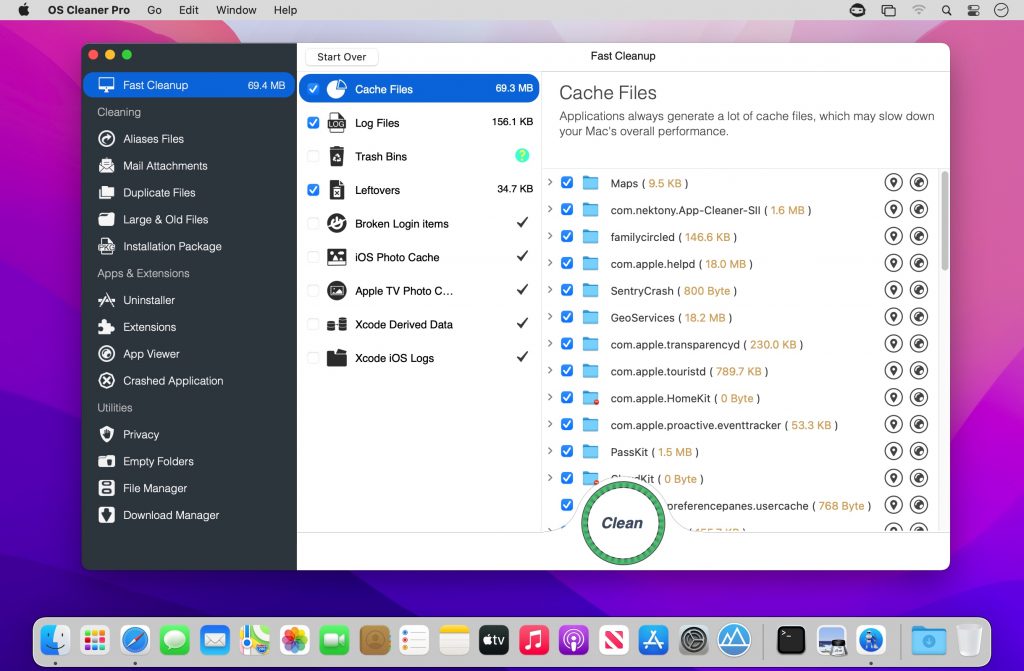
Clean up the cache and log files.
Empty the trash bins
Clean up the remaining files of the applications(Has been deleted from mac).
Clean up broken login items.
Clean up iOS photo cache and apple tv photo cache.
Clean up Xcode derived data and Xcode iOS logs.
Các tính năng khác như:
Nhấn vào đây để xem chi tiết
Monitoring CPU & Memory & Network & Storage.(Displayed in status bar)
Cleaner (Aliases Files, Mail Attachments, Duplicate Files, Large & Old Files, Installation Packages)
Aliases Files: Locate and list all the aliases files on you Mac quickly, Remove the useless files to free up more space.
Mail Attachments: Remove local copies of email downloads and attachments.
Duplicate Files: Locate and list all the duplicated files on you Mac quickly, Remove the useless files to free up more space.
Large & Old Files: Locate and list the large files on your mac, Remove the files you no longer need to release more space.
Installation packages: Locate and list all “Installation Packages” (file-extension: pkg, dmg, iso, etc) on your Mac quickly, Remove the useless files to free up more space.
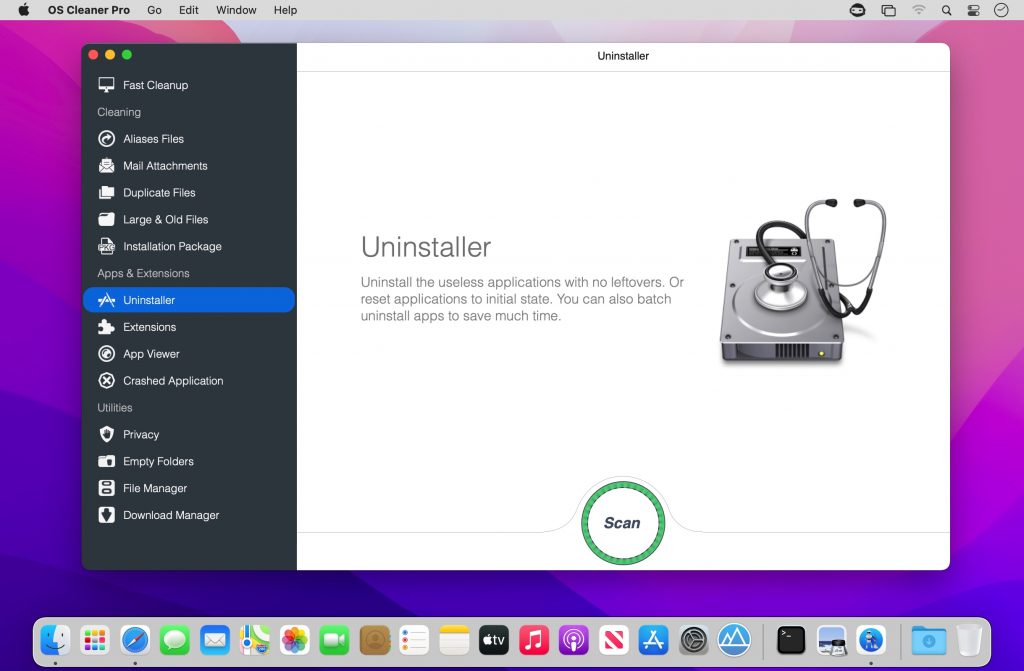
Uninstaller: Locate and list all applications on your mac, Remove entire applications, including all of their associated files. and Resets applications to initial state.
Extensions: Remove any of your undesired browser extensions safely. And locate Internet Plugins, Screen Savers, preference panes, Spotlight Plugins and Quick Look Plugins.
App Viewer: View application information, such as version, size, permissions, whether it supports sandbox, etc.
Crashed Applications: View the list of crashed applications and remove diagnostic reports to free more space.
Privacy: Easily clean up your chat history from Messages. and Instantly remove your browsing history, along with traces of your online and offline activity. clean terminal command history and finder metadata to protect your privacy.
File Manager: Locate and list archives, movies, audios, gif, pdf and office documents on your mac, delete useless files to free up a lot of disk space.
Download Manager: List all files in the download folder, you can delete useless files to free up a lot of disk space.
Empty Folders: Find empty folders on your mac, remove useless ones to keep the system clean.
This app is the professional version of “OS Cleaner”.
It has more features.
File manager
Download Manager
Empty Folders Cleaner
Terminal Command history cleaner
Finder metadata cleaner
Find and list office documents(*.pages, *.numbers, etc)
Network Monitoring (Download and upload speed)
Disk usage display
Duplicate files feature:
You can set the minimum file size for scanning.
You can set the file to be moved to the trash bin or deleted directly.