
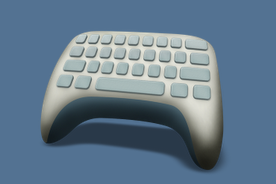
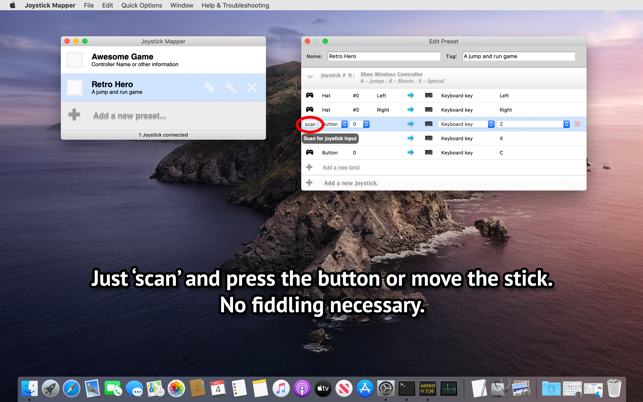
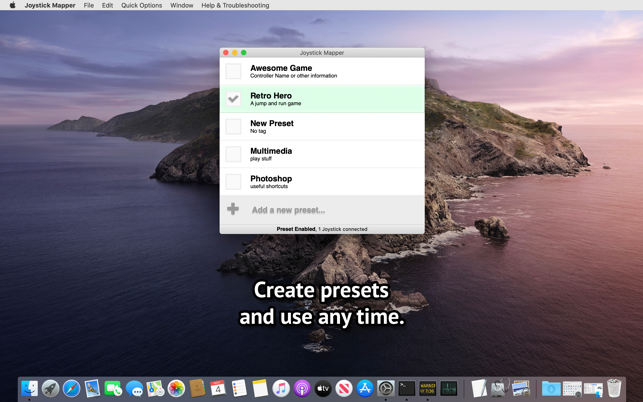
Joystick Mapper là ứng dụng tương tự GamePad Companion mà mình đã giới thiệu trước đây. Joystick Mapper trên Mac cho phép bạn cấu hình tay cầm chơi game của bạn thay cho bàn phím/ chuột.. Do đó bạn có thể dễ dàng chơi game với Gamepad ngay cả khi game đó không hỗ trợ.
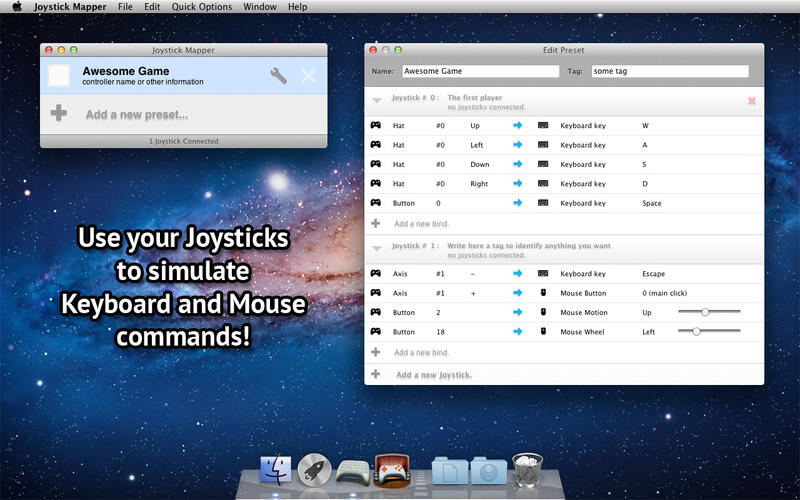
Joystick Mapper tương thích tốt với các game thể loại First Person Shooters, Flash Games, Media Players, PES, Football…
Joystick Mapper Hoạt động tốt với nhiều gamepads, bao gồm Xbox 360 và PS3….
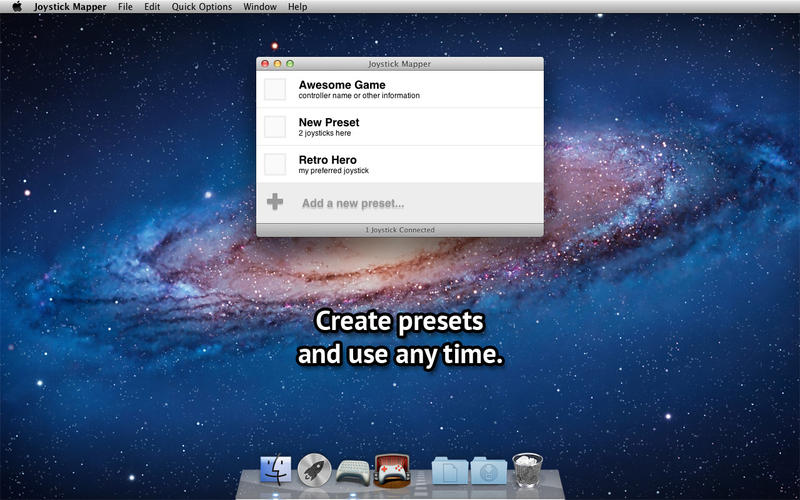
Features:
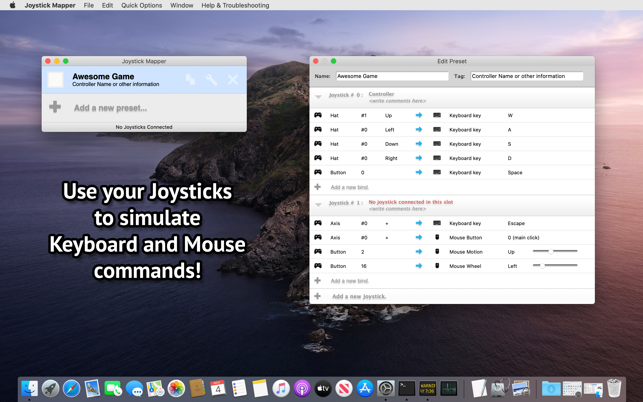
* Use any axis, dpads or buttons on your joystick to simulate keyboard and mouse;
* Map any of the 4 directions from an Analog Stick independently;
* Smooth mouse movement;
* Adjust mouse speed for analog sticks per direction individually, this can help with crappy gamepads;
* Analog Shoulder Triggers can be used as buttons;
* Any “weird” combination you want:
* Button/Dpad/Analog Stick/Analog Trigger –> Keyboard/Mouse/Click/Scroll;
* Ready-to-use examples, easily modifiable;
* Compatible with USB and Bluetooth Joysticks;
* Easy to use interface.
Notes:
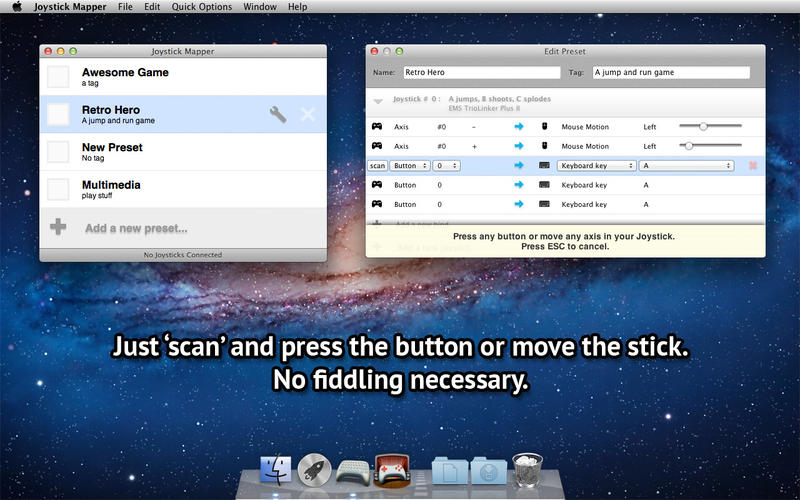
* To map Key-Combinations like Command+Q, just map two or more keys to the same input (in this example, one for Command and another for Q);
* Compatible with controllers that does use the standard HID Joystick interface;
* You may need to install a third party driver for Xbox controllers, you can find links to them in the Support site FAQ;
* If your PS3 gamepad does not respond to any input when connected using USB, just press the central “PS” button once;
* Wireless Xbox 360 Gamepads, sadly, does not use Bluetooth, you may need an adapter in this case. Search on the web for “Microsoft Wireless Gaming Receiver”;
* Other similar apps may prevent Joystick Mapper from operating correctly, if you have one and have problems, please disable them before using Joystick Mapper
Joystick.Mapper.v1.1.3
Joystick.Mapper.v1.2




![[Mini Game] Galak-Z The Void – Game bắn phi thuyền](https://maclife.io.vn/wp-content/uploads/2025/12/galakz-336x220.jpeg)
![[Mini Game] Deponia – Game phiêu lưu 2D độc đáo](https://maclife.io.vn/wp-content/uploads/2025/12/deponia-mac-336x220.jpeg)

