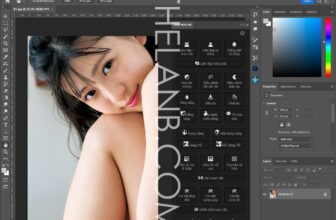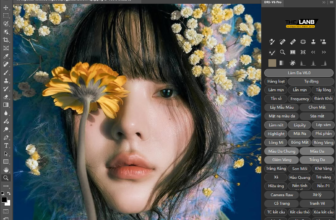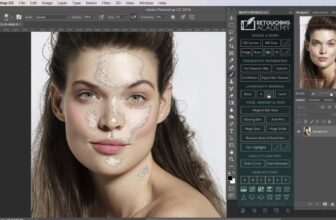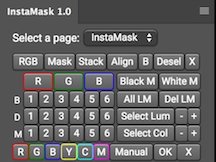
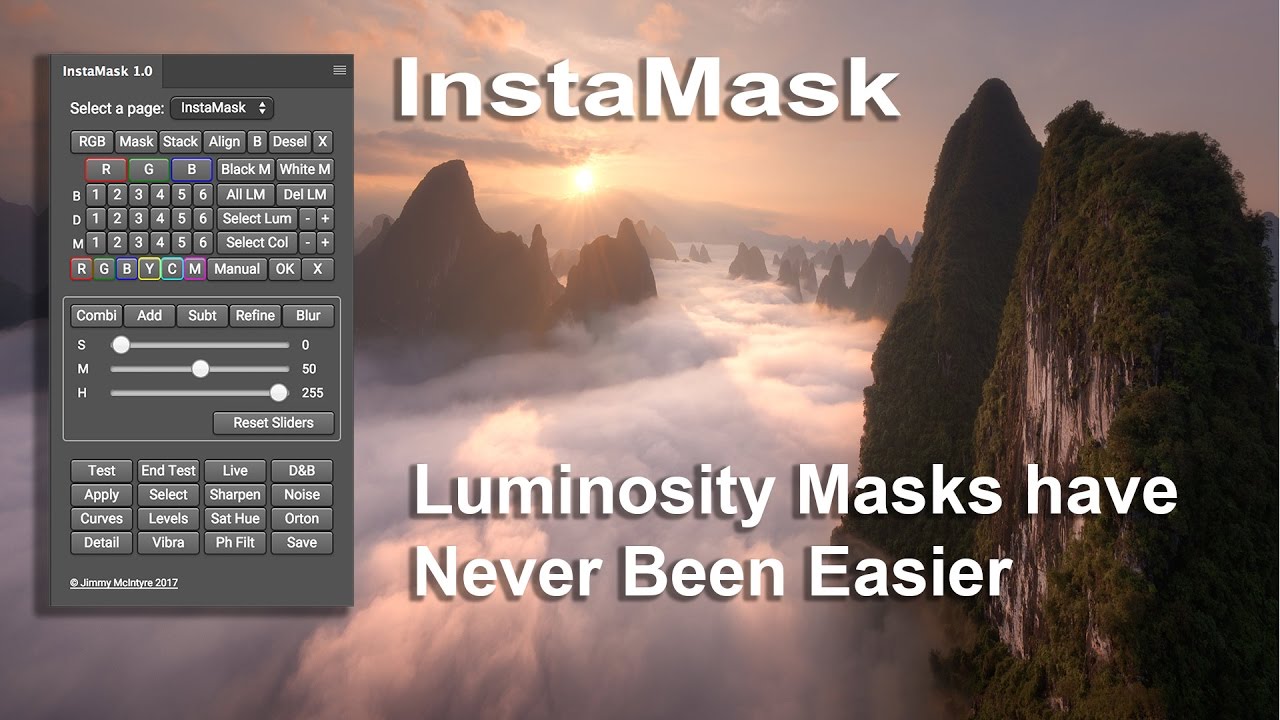
A fantastic new panel that will make masks light exposure and mixing easier than ever. InstaMask allows you to create and develop any mask to meet your needs with just a few clicks. And the great news is, although this is a separate panel.
The panel only works in Photoshop CC. We are working on a version of CS6, but we do not know whether it will succeed. CS6 and flash panels have very little support now neceassary few developers have the skills to make advanced panels like this. However, we are doing our best.
These are some of the powerful new features of InstaMask:
– We can create luminosity masks 18, 16 bits. These are made individually to keep our file size to a minimum.
– Beyond that, we can also build these 18 masks around any of the Red, Green and Blue channels, so we have a total of 72 masks at our disposal.
– We can cross any of these masks each other. Therefore, we can add / subtract any mask to / from the RGB channel, for example, with any mask of the Red, Green and Blue channels, if desired.
– We have two new methods of point and click to develop advanced selections based on color or brightness. Simply click on an area of the image and a mask will be built around it. And we can further refine these masks with the + and – buttons, which restrict or loosen the selection.
– InstaMask has 3 convenient sliders that complement workflow 16-bit, allowing us to develop our masks the perfect choice.
– There is also a whole range of new color masks.
– We can apply any mask any layer. Taking this further, before applying the mask, we can test it on any layer and make adjustments as needed.
– With split screen, we can use our sliders and adjust the mask, while also seeing the direct change in the image.
– With all application buttons, we have more or less all types of cover layer, so we can apply our masks and adjustment layer.
InstaMask_v1.1