
Graphic là công cụ đồ họa Vector có dung lượng khá nhẹ nhưng lại có chức năng và giao diện rất chuyên nghiệp
Tính năng chi tiết:
Nhấn để xem chi tiết
Import/Export
- Import SVG, PDF, EPS, and Photoshop PSD files.
- Export designs as SVG, PDF, PNG, PSD, JPEG, GIF, and TIFF files.
- Copy selected objects as PNG, PDF, SVG, CSS properties, and Core Graphics code.
- Export icons, bitmap and vector images directly into Xcode xcasset folders.
- Export layers and tagged objects automatically as individual files.
Photoshop PSD Import/Export
- Import layered PSD files with vector paths and effects.
- Shape layers are imported as editable vector paths.
- Layer effects are imported as fully editable drop shadows, inner shadows, glows, etc.
- Export designs as layered PSD files.
Professional Drawing Tools
- Full-featured Bezier Pen tool for creating custom shapes.
- Brush and Pencil tools for fluid drawing and sketching.
- Essential set of shape creation tools.
- Boolean path combinations.
- Path multi-point selection and editing.
- Join, connect, and disconnect paths.
- Rotate, Scale, and Shear transform tools.
- Compound Paths.
- Convert Anchors tool.
- Eraser tool.
- Scissor tool.
- Dimensioning tool.
Layer Styles
- Apply multiple strokes, fills, and effects to any object.
- Apply inner shadows, drop shadows, and glow effects to objects.
- Arrange the order of fills, strokes, and effects using drag and drop.
- 24 vibrant blend modes, including Multiply, Overlay, Linear Burn, Vivid Light, etc.
- Set blend modes for layers, shapes, fills, strokes, shadows, and glow effects.
Many other powerful features, including:
- Shape Libraries.
- Appearance Styles.
- Text on Path.
- Multi-style Text.
- Layers and Groups.
- Smart Alignment Guides.
- Labels and Dimensioning.
- Canvas Scale, Rulers, and Units (mm, cm, inches)
- Canvas Styles.
- Snap to Grid / Snap to Point.
- Align and Distribute objects.
- Duplicate and Transform.
- Linear, Radial, and Angle gradients.
- Image masking.
- Convert Text to Paths.
- Inner and Outer Strokes.
- Outline Stroke.
- Duplicate and Transform.
- RGB, HSB, and Hex Color Pickers.
- Pixel-Preview Mode.
- Import PDF files and annotations.
- Export as vector-based PDF and SVG files.
- Plugins / Powerful scripting API.
- ColorSync Color Management.
OpenGL-optimized Drawing
- Fast rendering of very complex projects.
- Multi-threaded drawing ensures lag-free scrolling and zooming
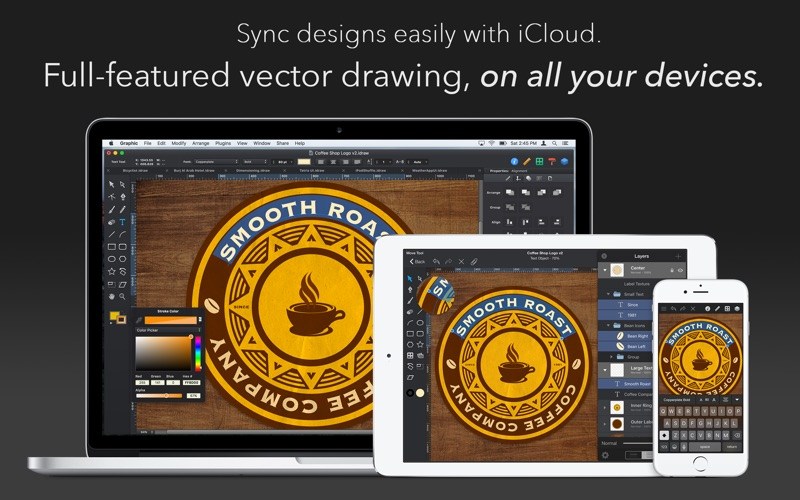
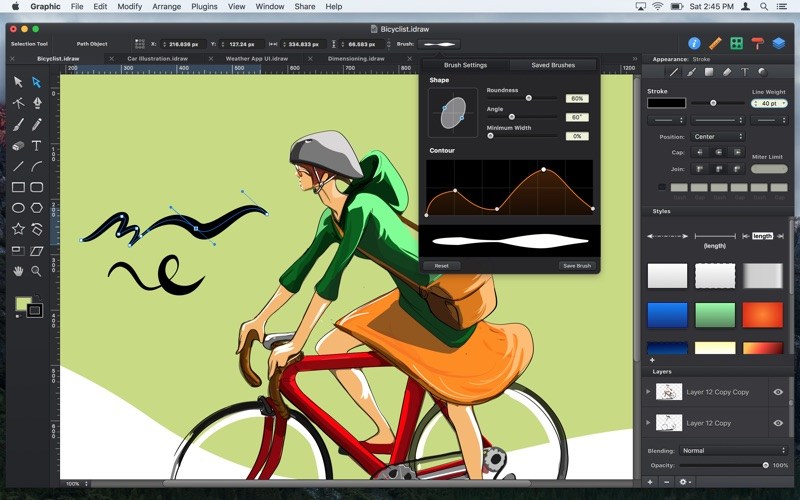
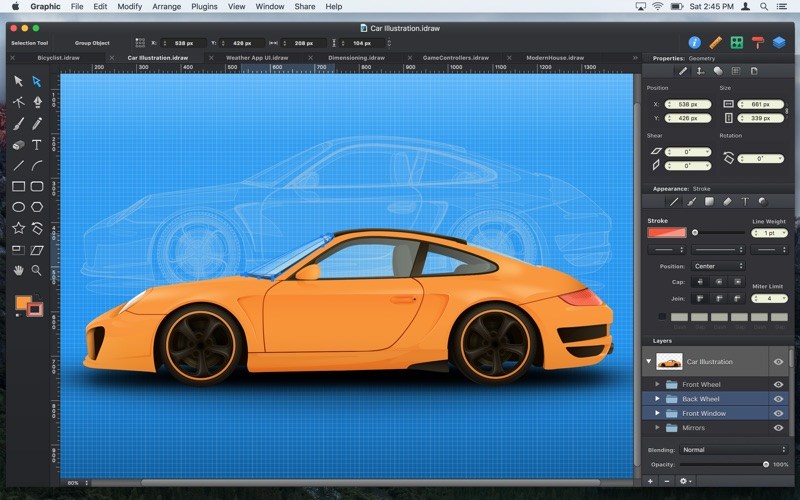
Graphic_3.1







