
Với #Gazer bạn có thể xem trước văn bản viết bằng các ngôn ngữ chuyên dụng (ví dụ Markdown) Hỗ trợ Live Update, xem nội dung thay đổi ngay sau khi chỉnh sửa.
Tính năng chính:
Supported Markup Languages
#Gazer natively supports the following markup-languages: Markdown, MarkdownExtra, MultiMarkdown, BBCode, HTML, Smark, Textile, Wikitext. #Gazer automatically detects which markup-language should be used by the file extension of the file to be displayed. Within the preferences of #Gazer you can add new file extensions and change the assignment to the respective languages.
Furthermore, the additional markup language CriticMarkup is supported, which can be provided with custom CSS styles via the preferences of #Gazer.
For MultiMarkdown users there is also a special option to use the MultiMarkdown Terminal tool via the #Gazer preferences.
Automatic content updates
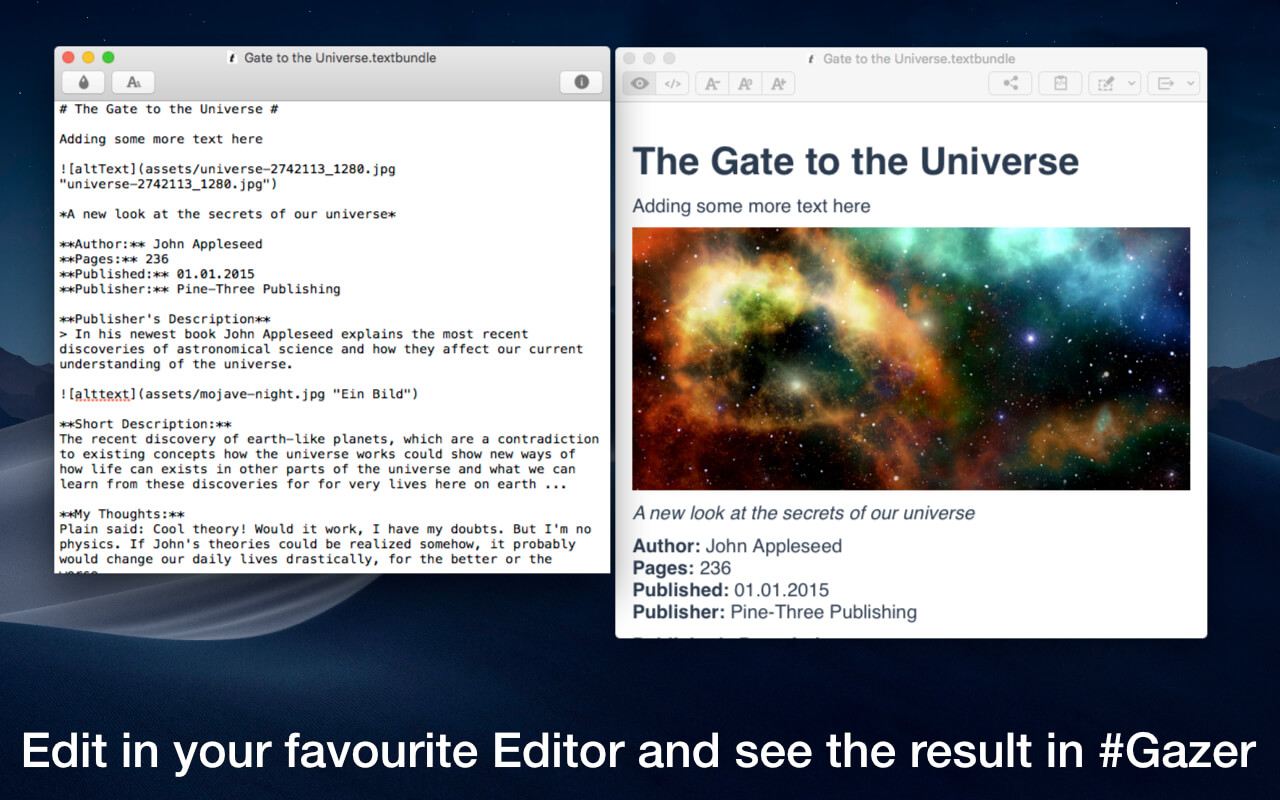
#Gazer updates the view automatically every time the file is saved. This allows you to edit your text in your favorite editor while viewing your formatted document.
Textbundle and Textpack support
#Gazer also supports the popular Textbundle and Textpack formats, which can also be formatted with all #Gazer supported markup-languages.
Customizing the preview
You can control the view of your documents in #Gazer using CSS files. #Gazer comes with four different styles, each with a light and dark version. In addition, you can use the default settings of #Gazer to add any number of custom CSS files that you can use for previewing.
HTML Code Preview
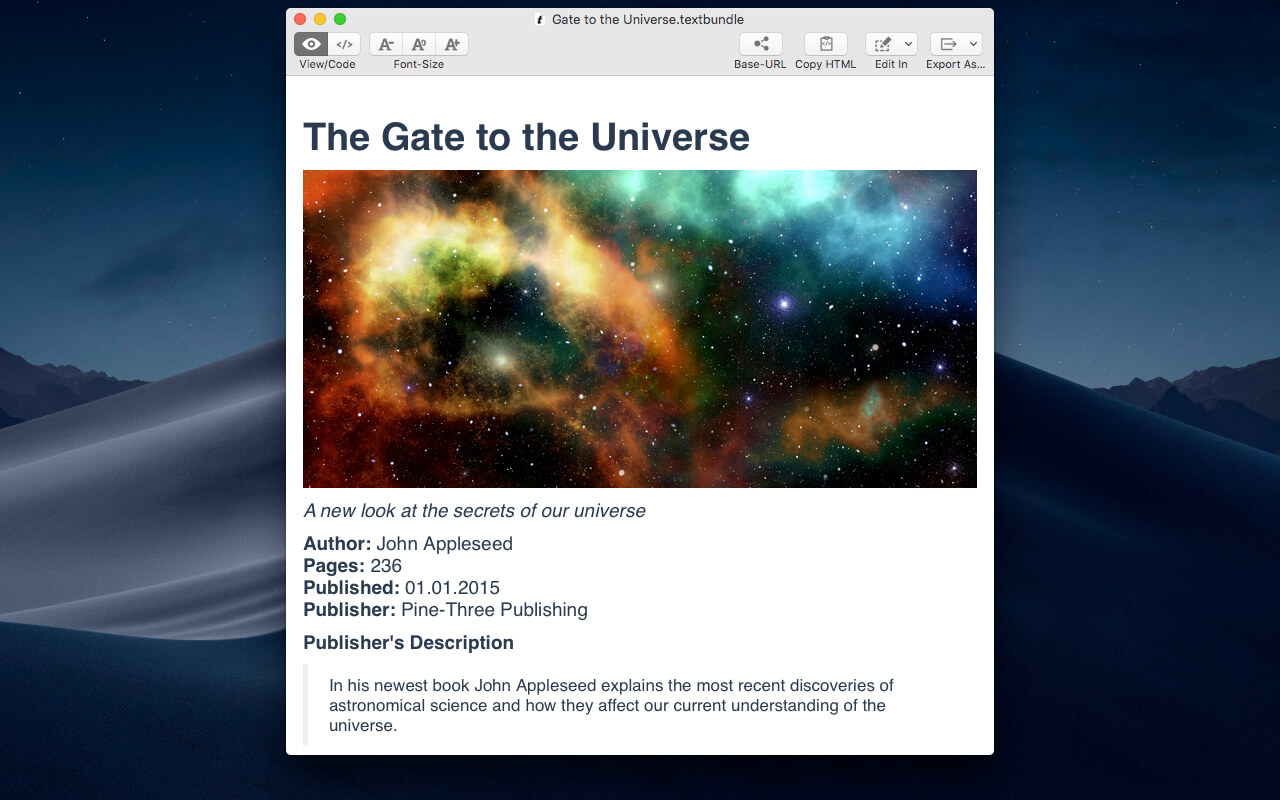
Instead of the formatted preview, you can also view the HTML-code of the formatted document.
Base URL Options
#Gazer provides extensive options for setting the Base URL, which allows you to display images from other directories or web pages in your documents.
More Features
- Export to various formats: TXT, RTF, RTFD, ODT, DOC, PDF, HTML, Textbundle, Textpack
- Edit in – open the current document in another application
- copy the HTML-code to the clipboard by pressing a button
- adjustment of the font size in the preview
- view file in Finder
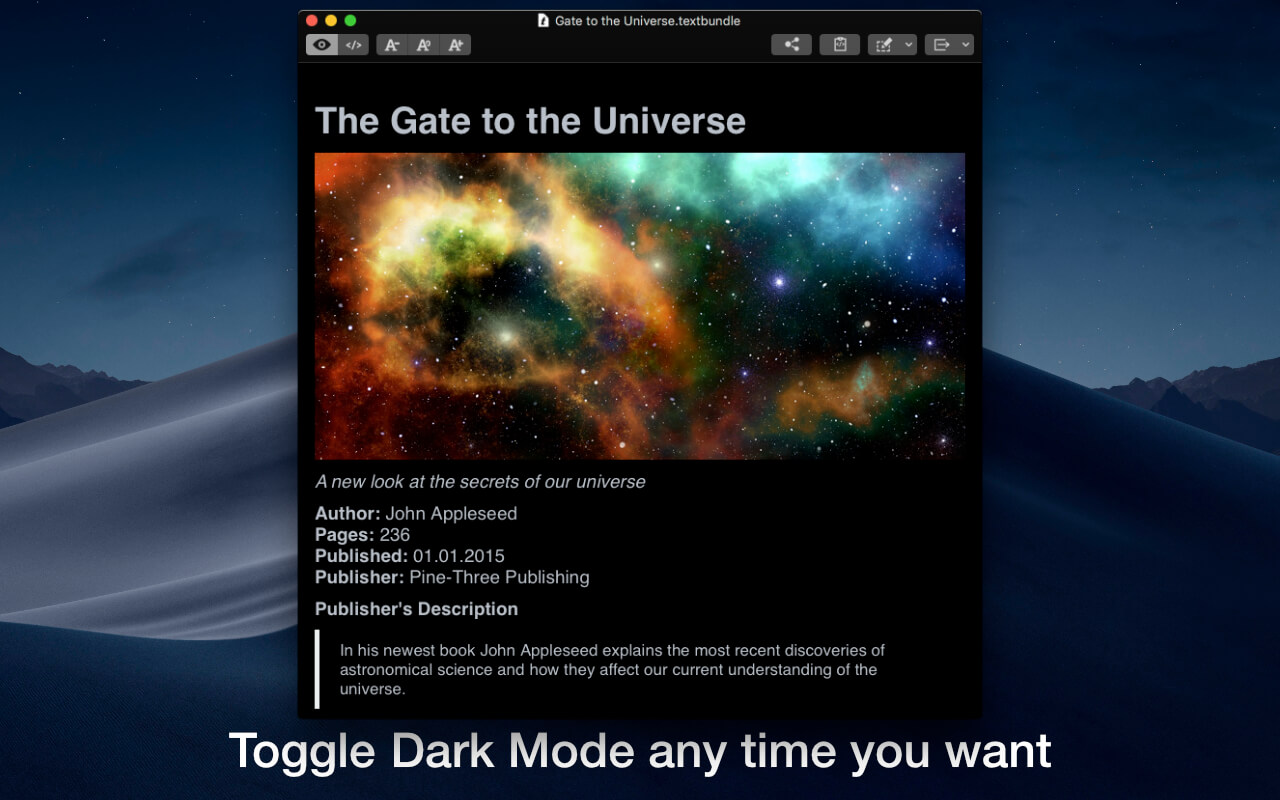
- quickly toggle between dark and light user interface
- Fullscreen-mode
Tương thích: macOS 10.10 trở lên
Gazer 1.0.2