
Diagrams là công cụ vẽ sơ đồ trực quan và dễ sử dụng, tương tác trên canvas, giúp bạn đơn giản quá quy trình bằng các hình ảnh, tạo ra các sơ đồ đẹp mắt và tích hợp chúng vào quy trình làm việc, giúp mọi chuyện trở nên dễ dàng hơn.
HOW IT WORKS
- Interactive Canvas — Create diagrams on the canvas, the key area of the app, through direct manipulation of diagram objects. The canvas is fully interactive and employs powerful layout features that help streamline your workflows.
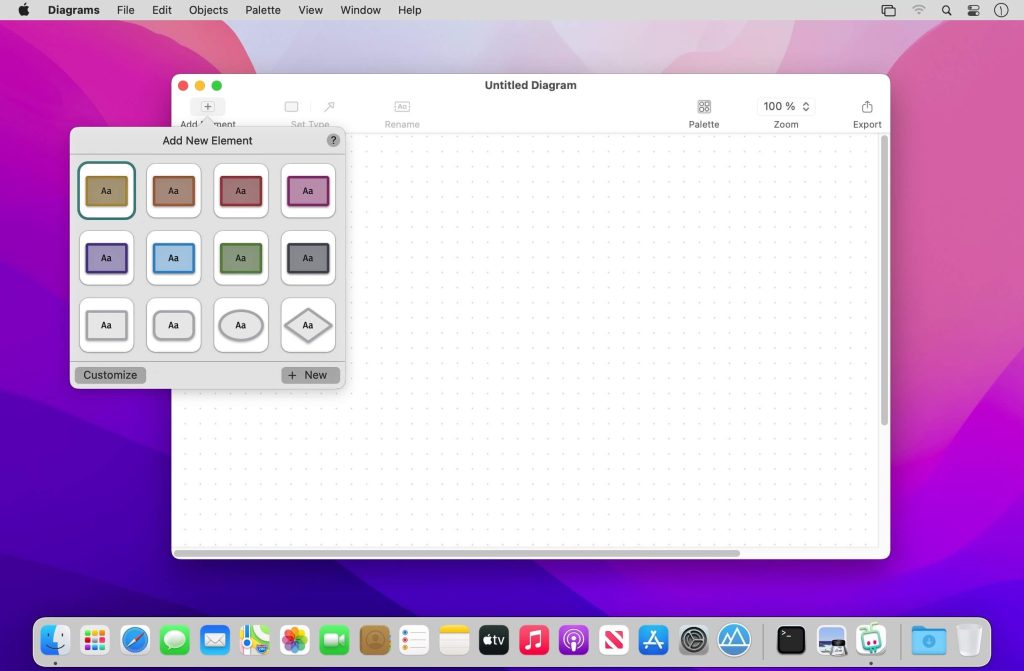
- Elements & Relationships — Unlike generic vector graphics tools, Diagrams is specifically optimized for structured diagrams consisting of elements and relationships. By leveraging these core building blocks, you’ll create diagrams more quickly with no fiddling around.
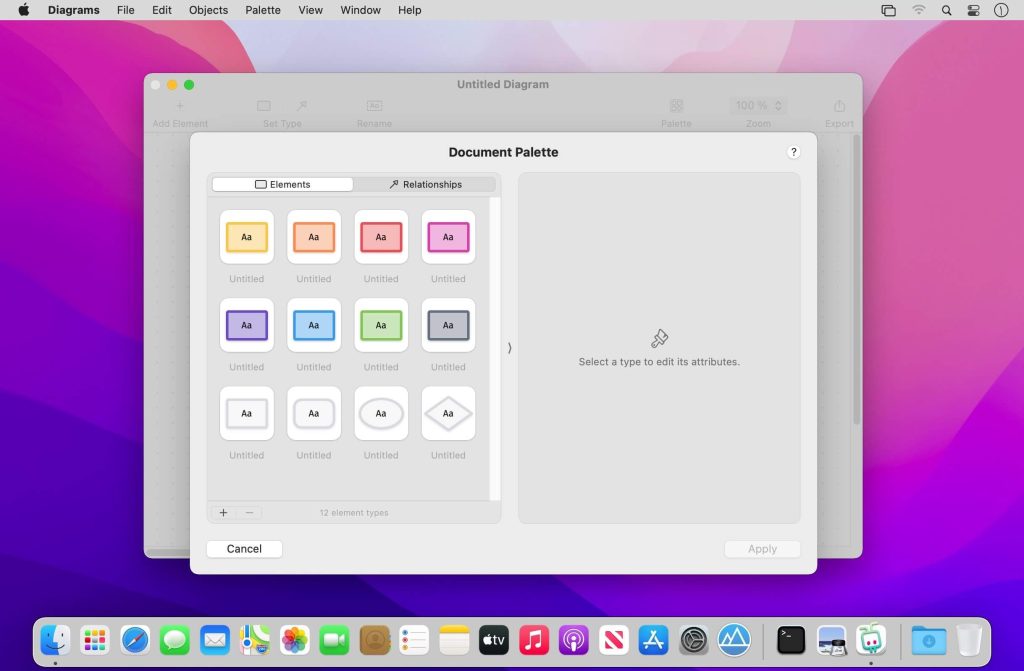
- Types — Each element and relationship is associated with a type that defines its meaning and its visual style. Utilize reusable types to make your diagrams more consistent and comprehensive.
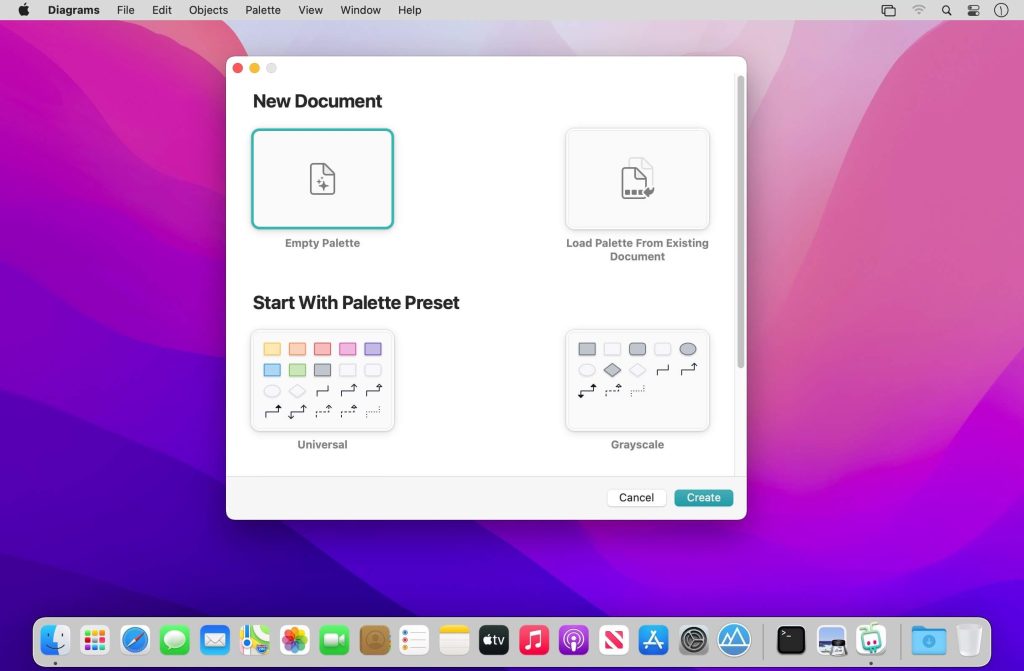
- Palettes — A palette is a collection of types attached to each new diagram. You can pick from built-in presets, customize existing palettes, or craft personalized palettes that contain only the types you need for your particular use cases.
- The app encourages you to assign meaning to types, but you can decide to which extent you want to embrace it. Opt for the universal palette without any particular semantics, or make use of your very specific palette — or something in between.
HIGHLIGHTS
- Truly native Mac experience
- Clean, distraction-free user interface
- Infinite canvas with streamlined interactions
- Smart grid layout and relationship routing
- Built-in palette presets for universal use cases and flowcharts
- Palette customization
- Variety of styling options: shapes, colors, text formatting
- Exporting to image or PDF formats
USE CASES
- Flowcharts for visualizing processes
- Software architecture design
- Simplified UML diagrams
- User interface flows
- Organizational charts
- Business, consulting, information architecture
- Planning, brainstorming, mind mapping
- •..and more!
Link App Store: apps.apple.com/app/diagrams/id1276248849
Tương thích: macOS 10.15.2 or later
Diagrams 2.2.3 [Universal M1 vs Intel]