
Beyond Compare giúp bạn dễ dàng và nhanh chóng để so sánh sự khác biệt về nội dung của 2 tập file hoặc thư mục mà bạn chọn. Sau đó bạn có thể đồng nhất thay đổi. Phần mềm có nhiều tùy chọn so sánh khác nhau, tốc độ scan rất nhanh, giúp bạn dễ dàng tìm ra sự khác biệt, tiết kiệm khá nhiều thời gian.
Các tính năng chính:
Comparison of entire folders and drives
Comparison of text and binary files
Synchronize FTPsites in just one click
Merging changes in text files
Syntax highlighting for various languages
Integration of the original controls
Convenient tabbed interface
Improved support for FTP protocol
Integrated support for secure FTP protocols
Adjusting the settings folder comparison
Multiple modes of comparison (comparison of folders, text, HEX, mp3, pictures, etc.)
Comparison of text files
Comparison of folders, zip archives, ftp sites
Updating websites
Merge code changes
Combining text of 3 sources
Comparison of independent changes to the main source for the creation of a new collaborative content
Integration of the original controls
Add commands to check the files in the SCCcompliant version control systems
Builtin SFTP
Integrated support for secure FTP protocols (SFTP and FTP over SSL)
Replace Text
Adjusting the settings folder comparison. For example, you can compare the .gif files in the same folder as the .png file to another folder with the same name
And much more
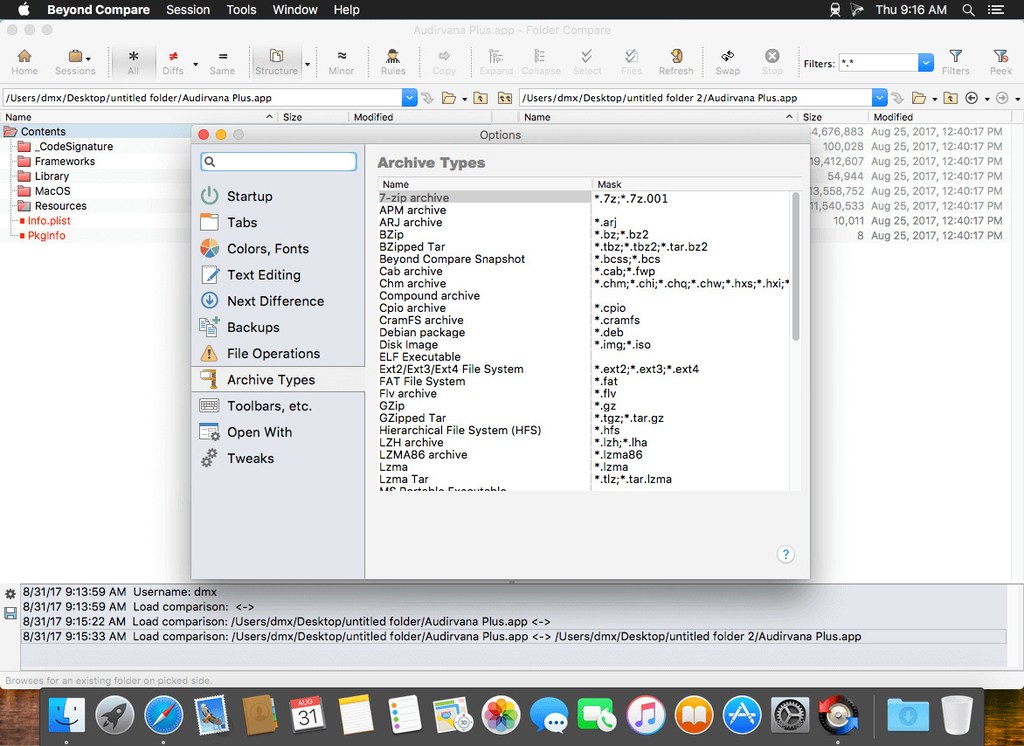
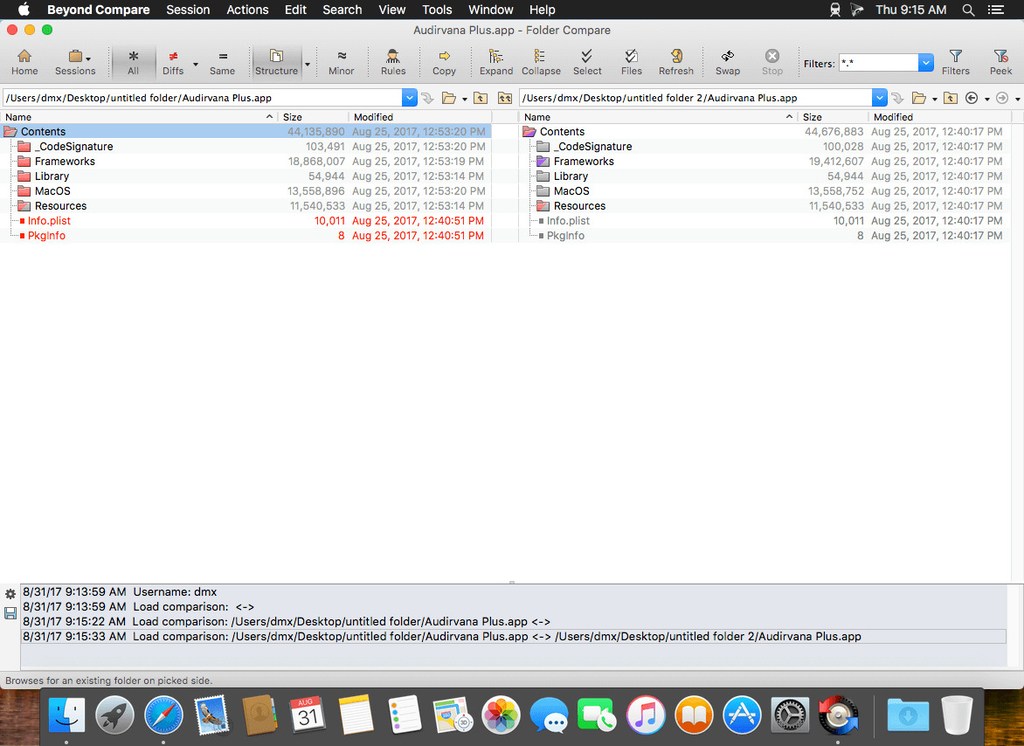
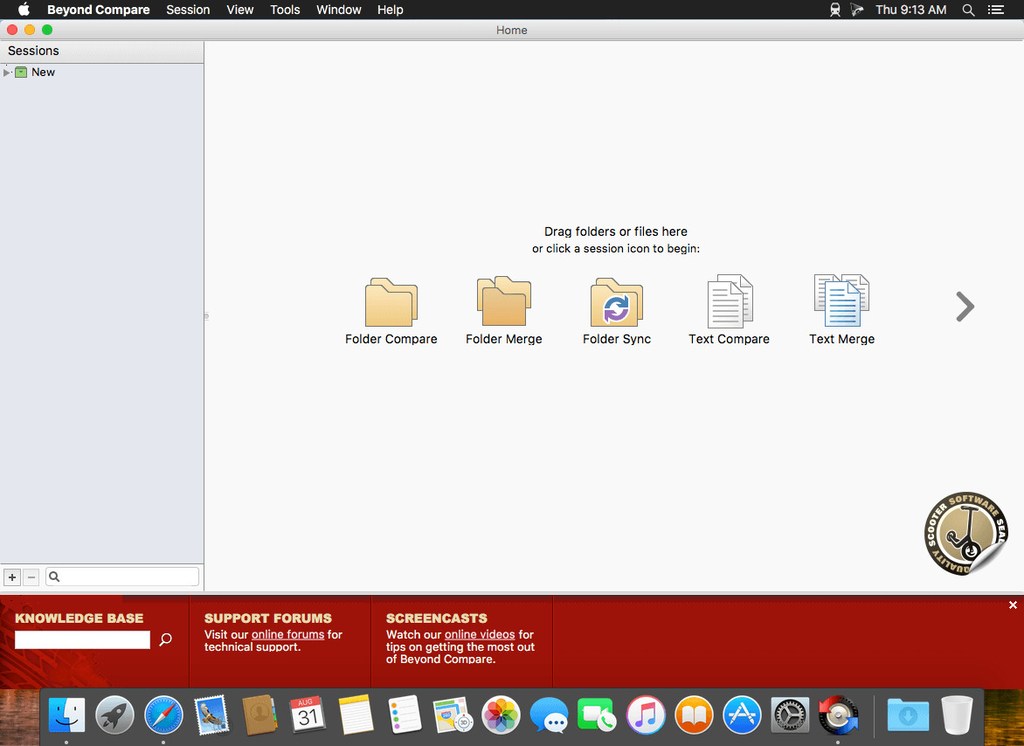
Beyond Compare v5.0.5
Beyond Compare 5.0.5.30614
Beyond Compare v5.0.6
Beyond Compare_5_1_0
Beyond Compare v5.1.5
HD cài bản mới nhất:
1. Kéo vào Application để cài như bình thường. KO chạy App
2. Dùng app chặn kết nối chặn App lại (Radio Silence hoặc Lulu, hướng dẫn có trên Maclife). Hoặc dán đoạn này vào Terminal chạy để chặn Hosts
sudo -- sh -c "echo >> /etc/hosts";sudo -- sh -c "echo 127.0.0.1 scootersoftware.com >> /etc/hosts" sudo -- sh -c "echo >> /etc/hosts";sudo -- sh -c "echo 127.0.0.1 www.scootersoftware.com >> /etc/hosts"
2. Dán đoạn code trong file text kèm theo vào Terminal
Các bản cũ hơn







