

Filmage Screen = Trình ghi màn hình + Trình ghi âm thanh + Trình chỉnh sửa video + Trình chuyển đổi định dạng video + Trình phát video + Trình tạo GIF + Quản lý phương tiện + Ghi âm cuộc họp… tất cả trong một
Intuitive Video/Audio Recording Tools
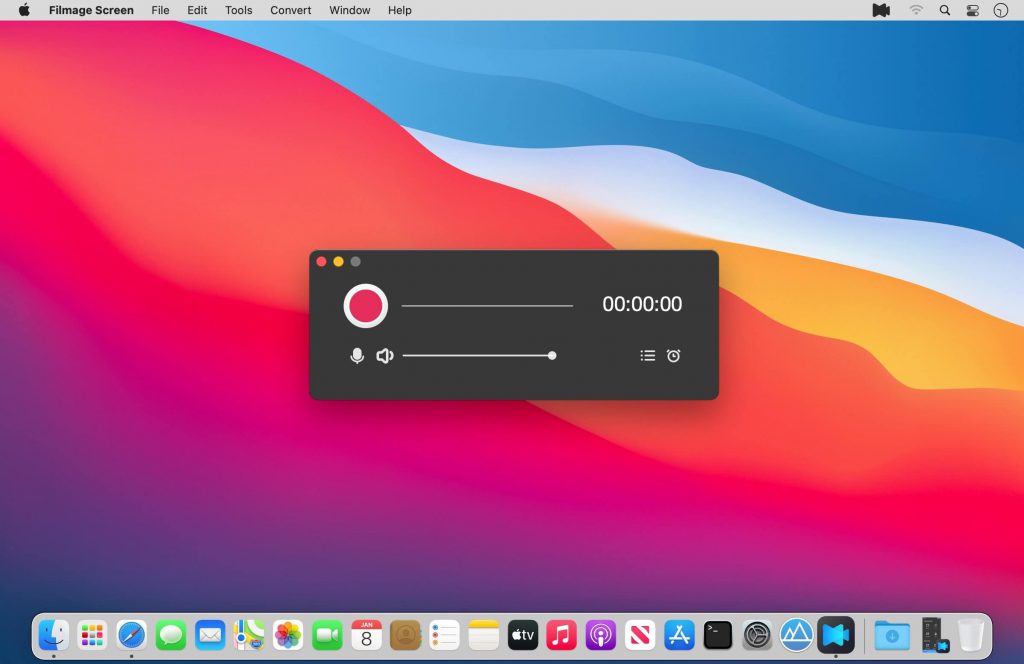
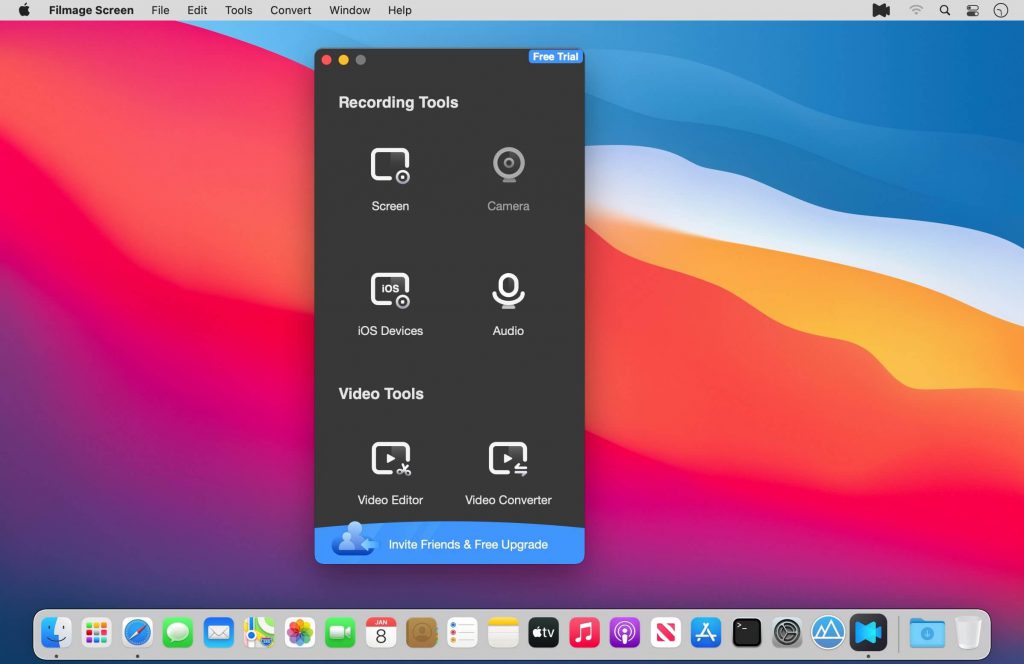
- Record a full screen, a target window or any custom areas
- Picture in picture mode helps to create a video overlay that you place one video on top of another video and then play them simultaneously. External camera equipment supported when using picture in picture mode.
- Scheduled recorder supports to schedule a screen recording. It will start / stop recording automatically
- Use your built-in camera or use Logitech webcam to create YouTube movies
- Record iPhone/iPad screen and mirror iPhone/iPad
- Record Mac and iPad/iPhone screen simultaneously
- Capture audio system sound, microphone sound, or any other sound with system built-in microphone, computer sound card or any audio input devices
- Auto Mode supports to record online meetings, online courses with ease
- Set different Frame Rates(15fps-60fps) for a smoother video
- Support to set cursor effect for a better presentation
- No recording time limits
Powerful Videos Converter Tools
- Convert any videos to MP4, MOV, 3GP, VOB, MKV, M4V, WMV, AVI, MPG, FLV, F4V, SWF, TS, and more other video formats
- Export your videos as animated GIFs(GIF maker)
- Batch converter allows to convert videos to the same format or different formats simultaneously
Professional Video Editing Suite
- Enhance videos with full editing suite for faster, easier editing
- Drag videos, audios, images into video timeline and move them as you like
- Professional video edit suite with voiceover and dynamic subtitle effect, highly customizable
- Edit video with basic editing tools: texts box, shapes, freehand drawing, music, and edit with split, cut, delete and more
- Customize the content / color / size / position of text to create personalized subtitles as text watermarks for copyright protection
Comprehensible Media Player
- Support play almost any video format: MP4, MOV, AVI, MKV, F4V, F4B, more
Media Files Management
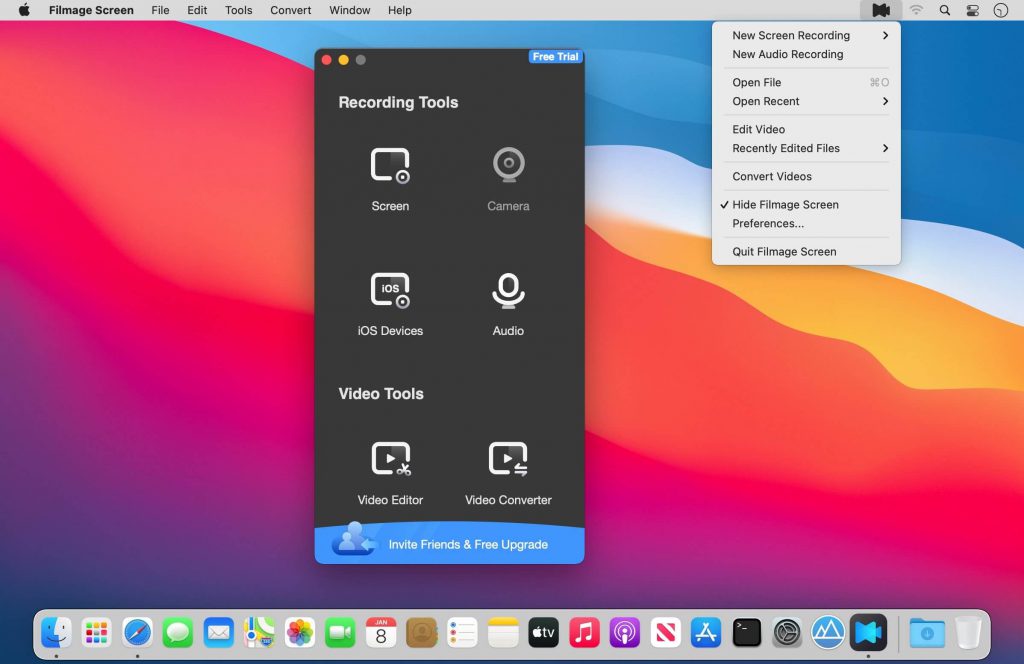
- Upload and share media files to Youtube and other platforms
- Easily rename, edit, convert, play, export or delete video files
Tương thích: macOS 10.15.6 or later 64-bit
Filmage_Screen_1.2
Filmage_Screen_1.2.2
Filmage_Screen_1.2.3
Filmage_Screen_1.2.4
Filmage_Screen_1.3.1
Filmage_Screen_1.3.3
Filmage_Screen_1.4.0
Filmage_Screen_1.4.2
Filmage_Screen_1.4.3
Filmage_Screen_1.4.5
Filmage_Screen_1.4.7







