**Snagit 2024 – Ứng dụng chụp, quay màn hình đỉnh cao cho Macbook!** 🌟
Chào mừng bạn đến với Snagit 2024, trợ thủ đắc lực giúp bạn dễ dàng ghi lại mọi khoảnh khắc trên màn hình Macbook. Dù bạn là người dùng cá nhân muốn lưu giữ kỷ niệm, chia sẻ kiến thức hay đơn giản là ghi chú nhanh, Snagit 2024 đều đáp ứng hoàn hảo! 🎉
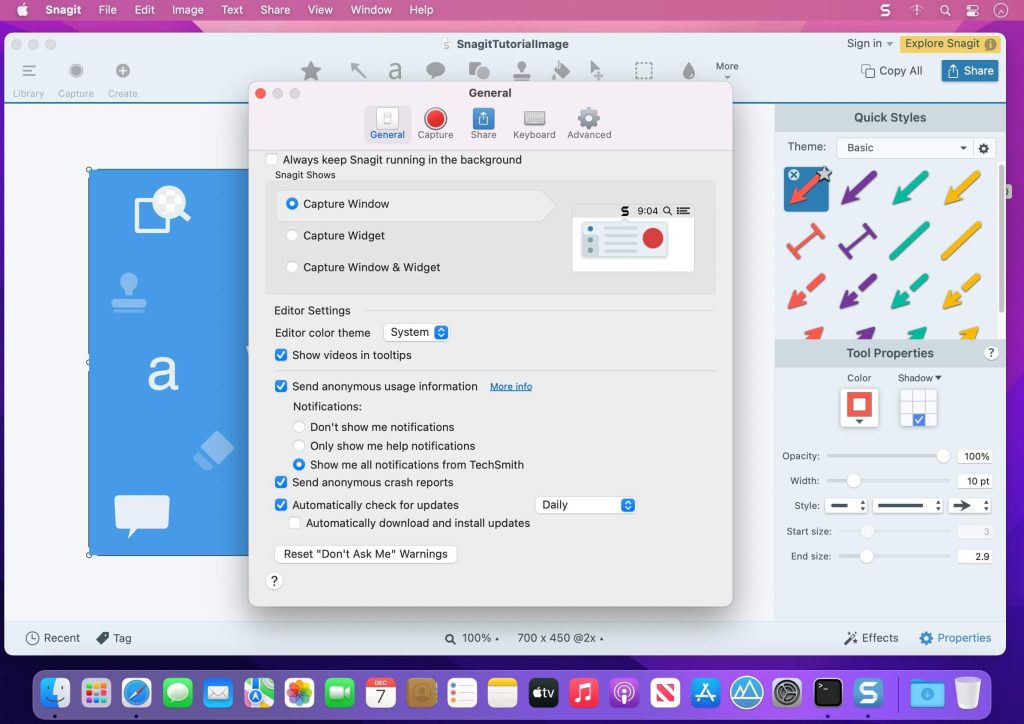
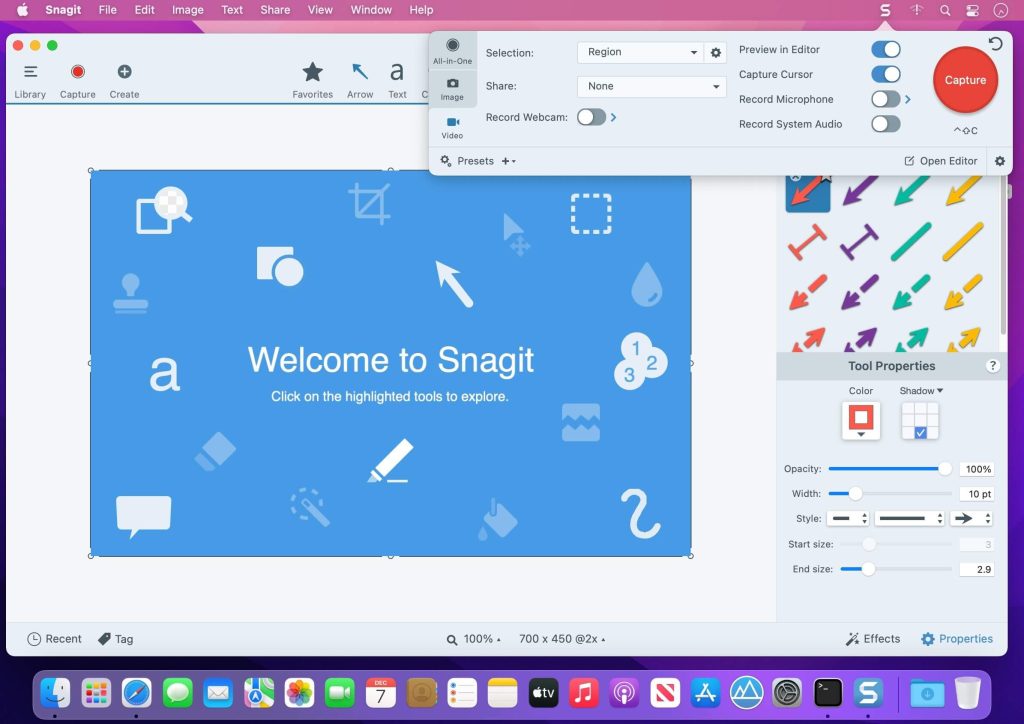
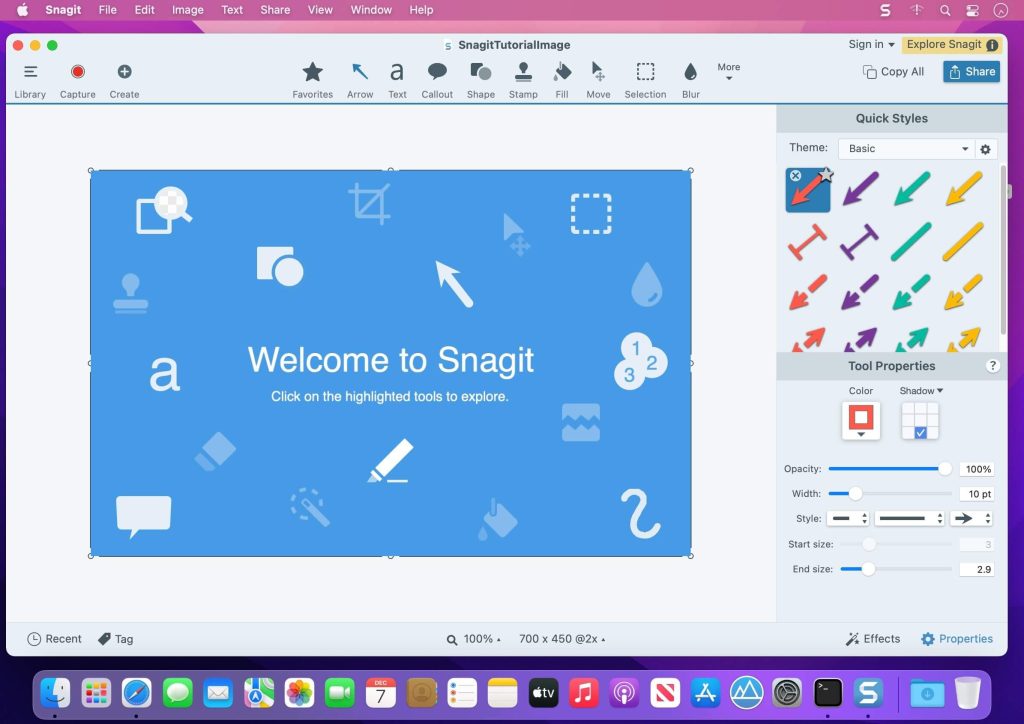
Với giao diện trực quan ✨ và bộ công cụ mạnh mẽ 🛠️, bạn có thể chụp ảnh màn hình sắc nét 📸, quay video màn hình mượt mà 🎥, và chỉnh sửa nội dung sáng tạo với các hiệu ứng, chú thích độc đáo. Chia sẻ thông tin, hướng dẫn hay phản hồi trở nên nhanh chóng và chuyên nghiệp hơn bao giờ hết. 🚀
**Yêu cầu phiên bản macOS:**
Để cài đặt Snagit 2024, Macbook của bạn cần chạy **macOS Monterey (12)** trở lên. Một số tính năng nâng cao có thể yêu cầu **macOS Ventura (13)**. 🍏
**Cấu hình tối thiểu:**
* **Bộ xử lý:** 2.4 GHz lõi đơn (yêu cầu lõi kép i5 cho quay video). ⚡
* **RAM:** 4GB. 💾
* **Dung lượng ổ cứng:** 1GB trống để cài đặt. 💽
Hãy trải nghiệm sự tiện lợi và hiệu quả mà Snagit 2024 mang lại cho công việc và cuộc sống số của bạn! 👍
Snagit là phần mềm chụp ảnh quay phim màn hình kèm theo nhiều chức năng, hỗ trợ nhiều định dạng ảnh, chỉnh sửa, chia sẻ và quản lý ảnh chụp màn hình.
Điểm mới trên bản Snagit 2024
Nhấn vào đây để xem chi tiết
Combine Videos
Snagit’s new Combine Videos window makes it quick and easy to select, order, and combine multiple clips into a single video.
Relax: Record and combine multiple short clips. There’s no need to get it perfect in a single take.
Save time: Reuse or rearrange video clips as needed.
Collaborate: Import and combine videos from coworkers to create a shared presentation.
To launch the Combine Videos window, on the video playback toolbar click Add Videos, or select Video menu > Combine Videos.
Click Animation
Show viewers exactly when and where you click while recording video, without relying on verbal cues.
Customize the animation color to increase visibility or match your brand colors.
Select this option from the Capture Cursor settings in the Capture Window, or turn it on and off from the video toolbar while recording.
Blurred Camera Background
Added an option to blur the webcam background while recording.
Easy Camera Mode Swapping
Added the ability to switch between Fullscreen webcam and Picture-in-Picture video with a single click or keyboard shortcut.
Improved Learning Center
Learn what’s new, find tutorial links, and access tours any time in the redesigned learning center.
New Starter Theme and Quick Styles
Elevate your screenshots with Snagit’s new default “Starter” Theme and Quick Styles to give a fresh new look to your tools and annotations.
Screen Draw tool colors and arrowheads are updated to match the new default Quick Style.
Stamps Refresh
Snagit 2024 comes loaded with new stamps to quickly add stylish touches to your images, with even more stamps available for download from the TechSmith Assets for Snagit site.
Stamps included in previous versions of Snagit are still available for free on the Assets site.
Shadow property is now off by default for all Stamps.
Microsoft Teams Integration
Share images and video directly from Snagit to Microsoft Teams.
Streamline collaboration and accelerate decision-making by sharing to where you already work.
Select Microsoft Teams from Snagit’s Share dropdown, or drag and drop from Snagit into the Teams application.
Notifications from Share Link
Never miss a beat with improved Screencast notifications and custom settings.
Feature Updates
Refreshed the video playback toolbar to provide a modern feel while ensuring clarity of function.
Added a Video menu with options and keyboard shortcuts to play back, edit, and combine video.
Moved Jump To options from the Edit menu to the new Video menu.
Automatically apply unsaved cuts when combining videos.
Updated the video recording toolbar to distinguish webcam, microphone, and cursor toggles from their dropdown option buttons.
Added a System Username option to the Capture Info effect.
Added the ability to rename a selected file in Editor from the File menu.
Added file details to thumbnail tooltips in the Library and Recent Captures Tray.
Performance Improvements
Improved the timing and workflow for when Snagit requests system permissions.
Updated video playback in the Editor to preview frames when the user drags selection handles.
Updates for IT Administrators
Removed dependency on zlib for data compression.
Bug Fixes
Fixed a crash that could occur when changing the Library location.
Fixed an issue where black frames were sometimes added to the beginning or end of a video recording.
Fixed an issue where webcam recordings occasionally included black bars on the edges